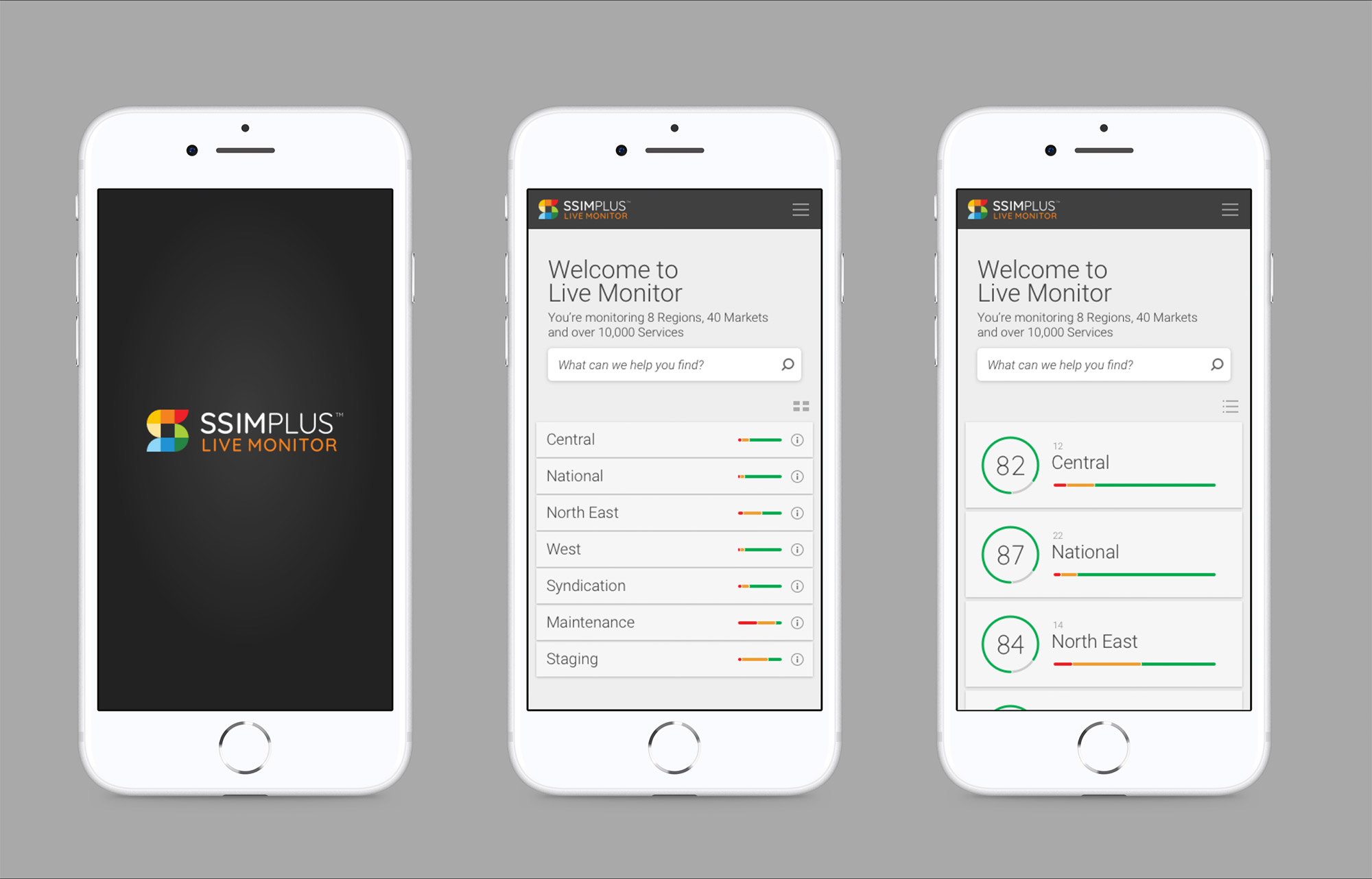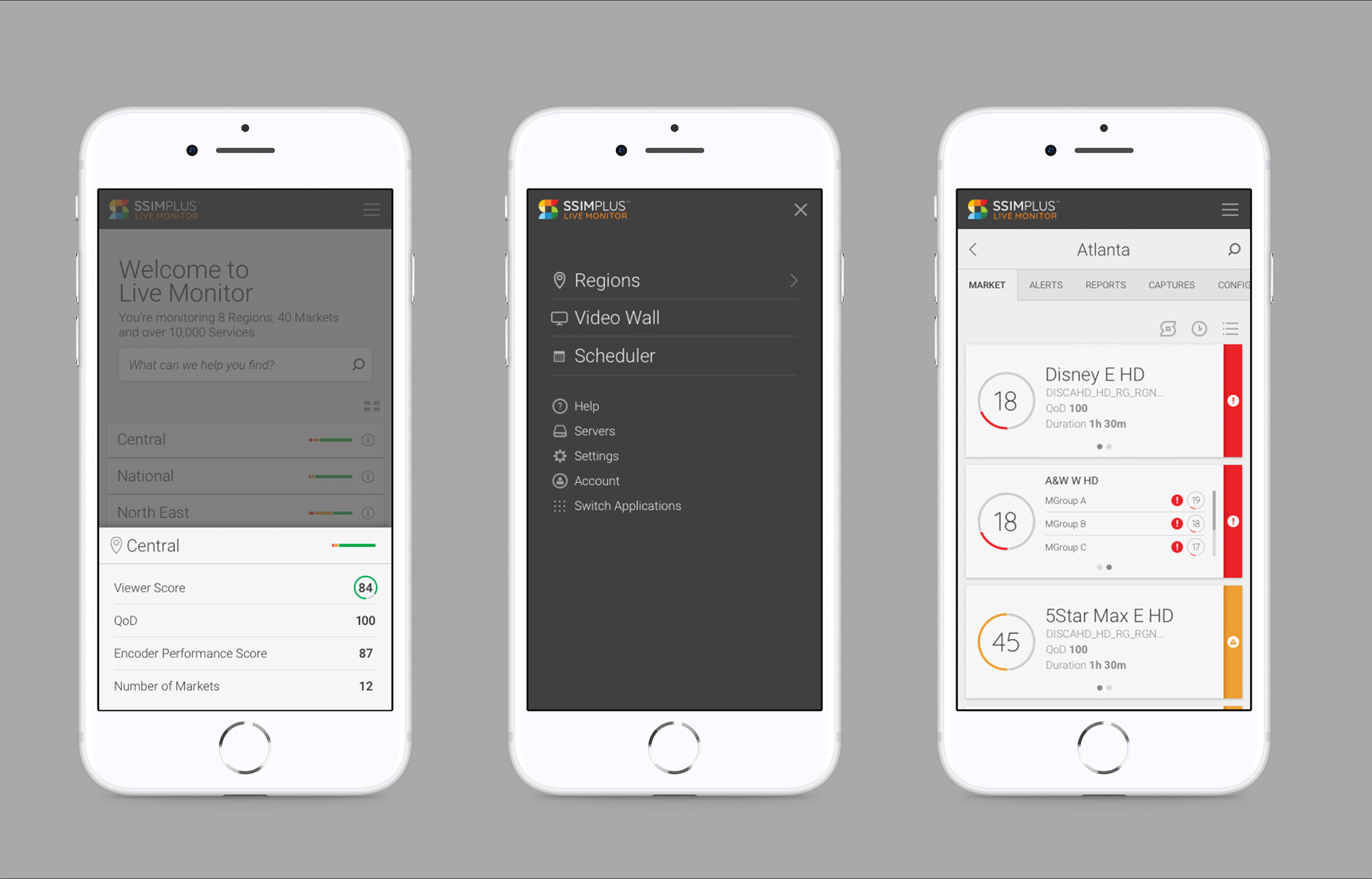
Challenge
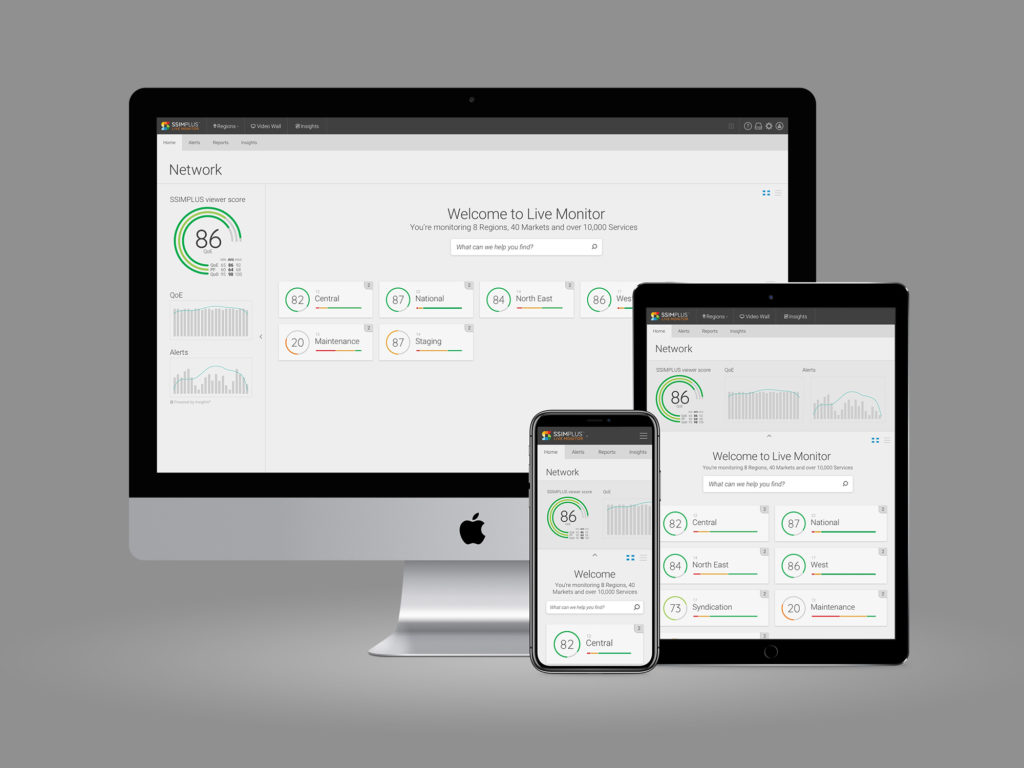
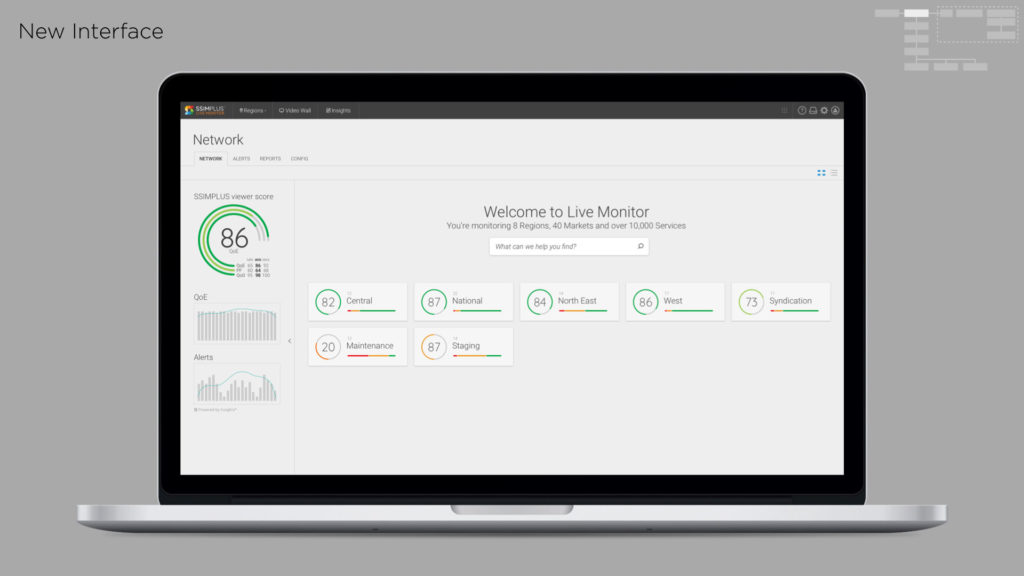
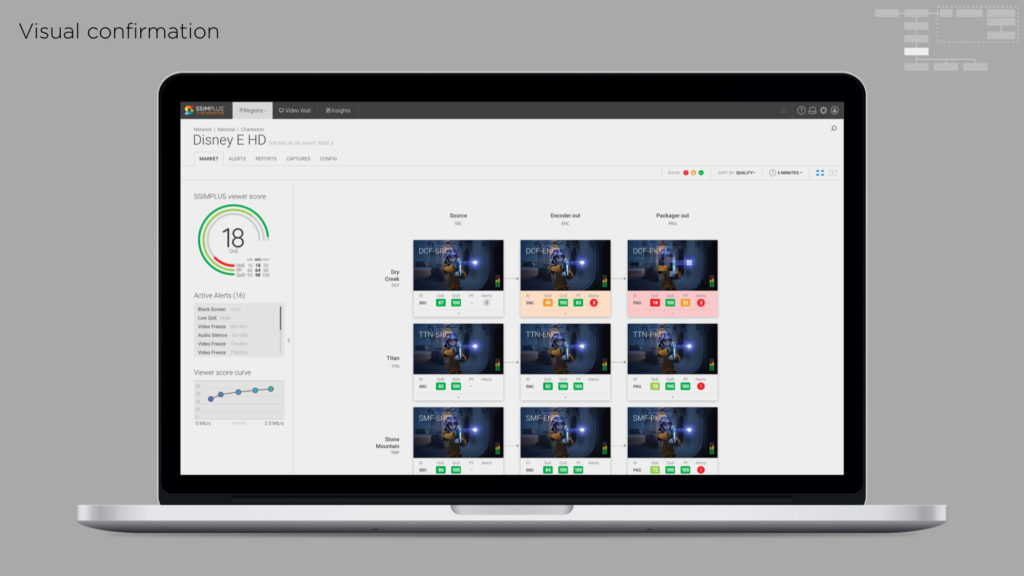
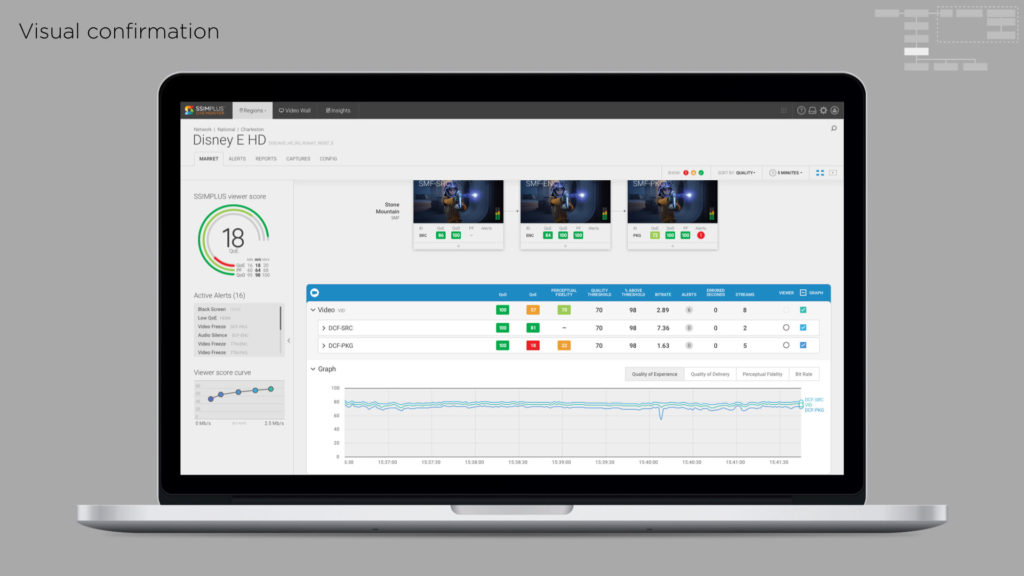
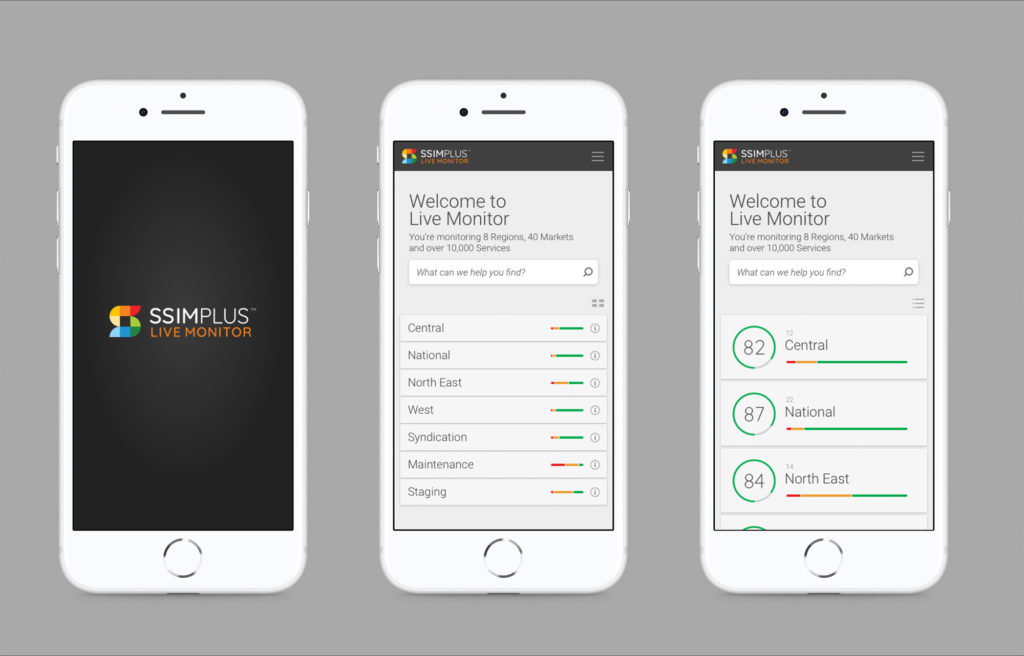
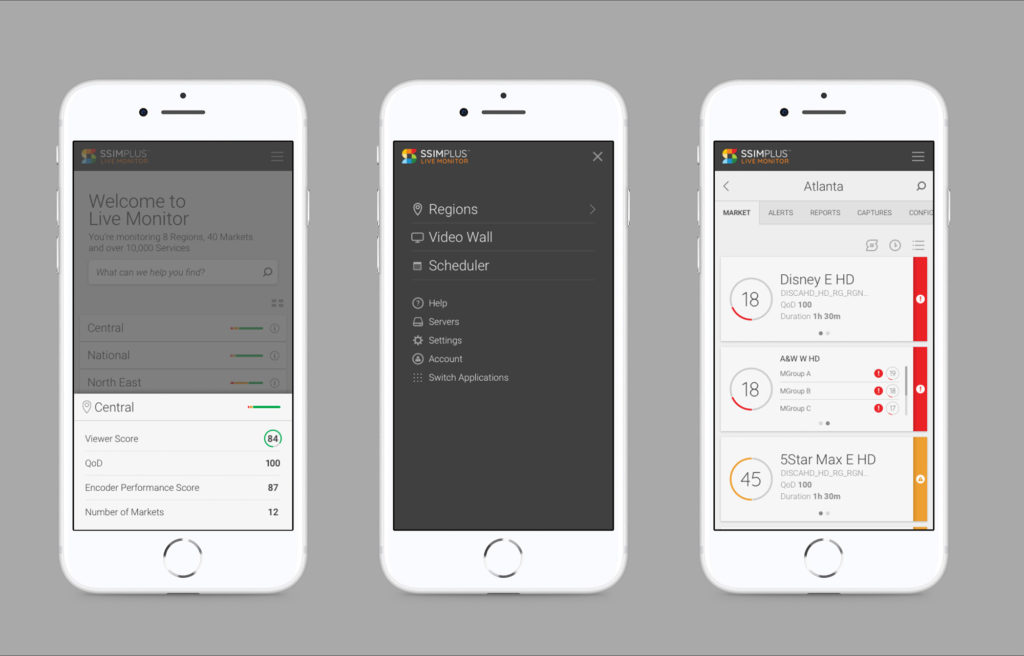
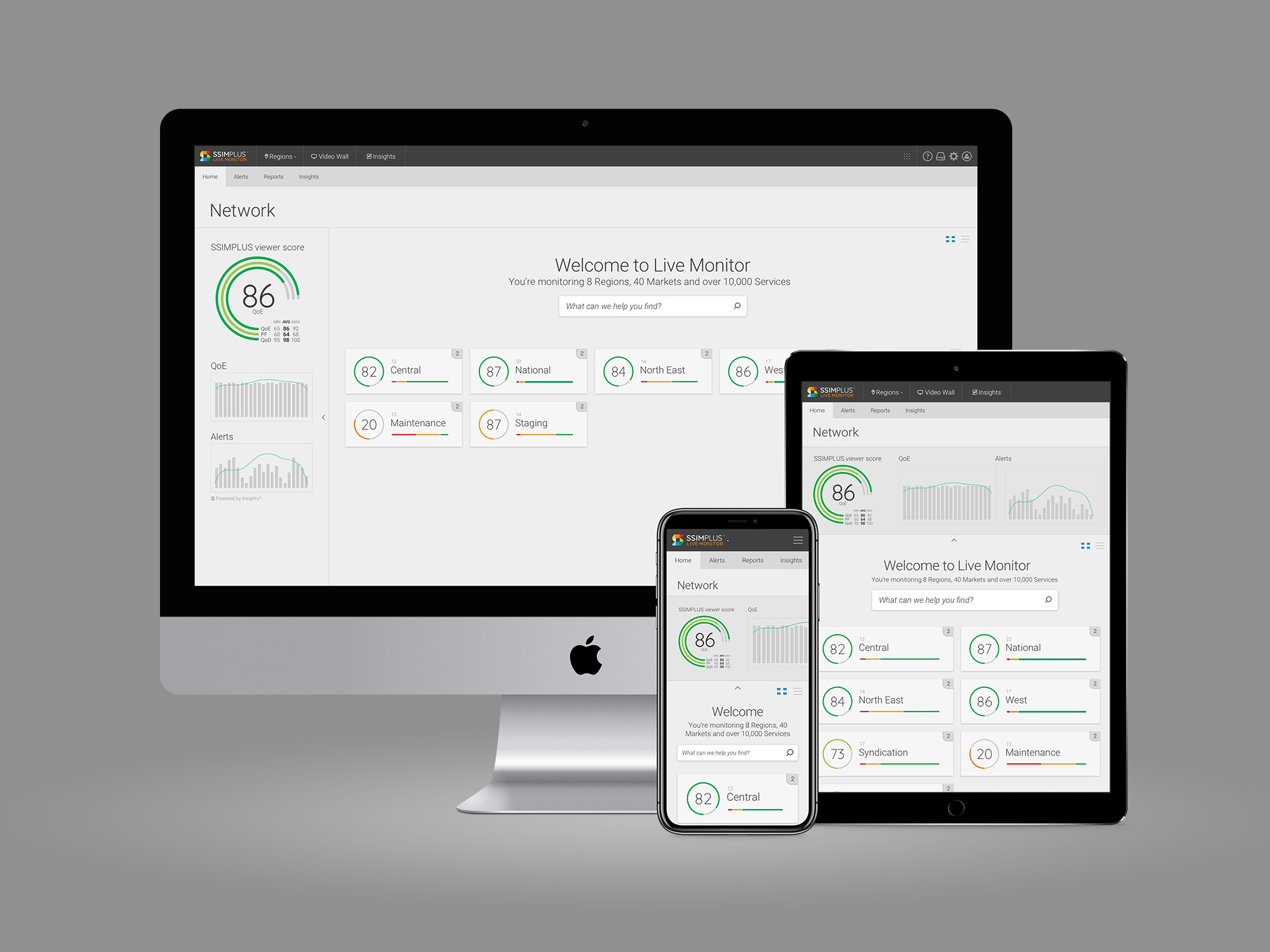
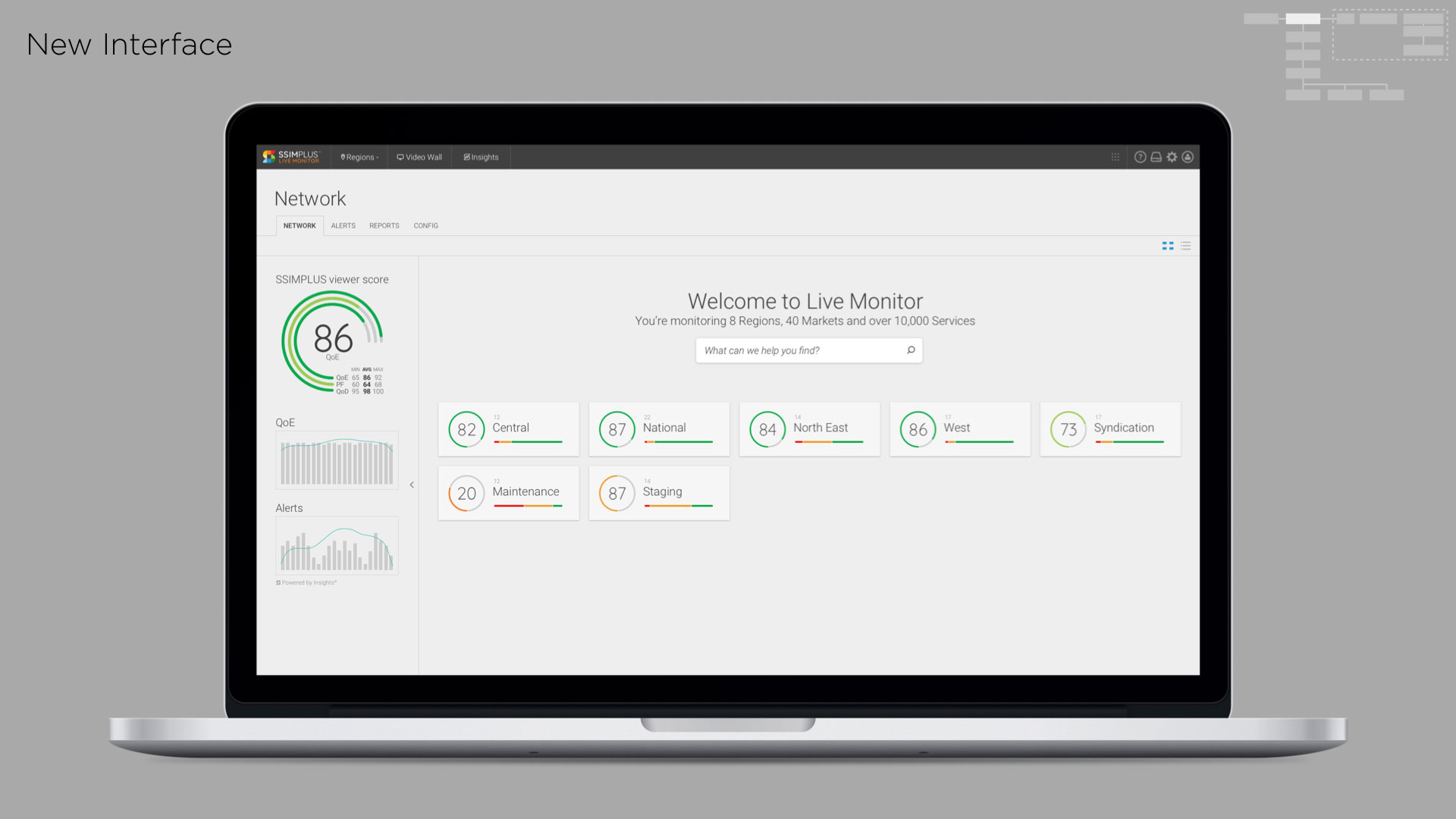
Live Monitor is SSIMWAVE’s tool for monitoring live video channels. It has a large team and a complex architecture. The application had a pile of work in the backlog, and needed user testing and validation to make sure we were tackling the right problems. We also wanted to imagine and design Live Monitor’s next iteration, and had to make sure the current version was supported as we moved forward.
Roles
- UX and UI Design
- User research and testing
Process
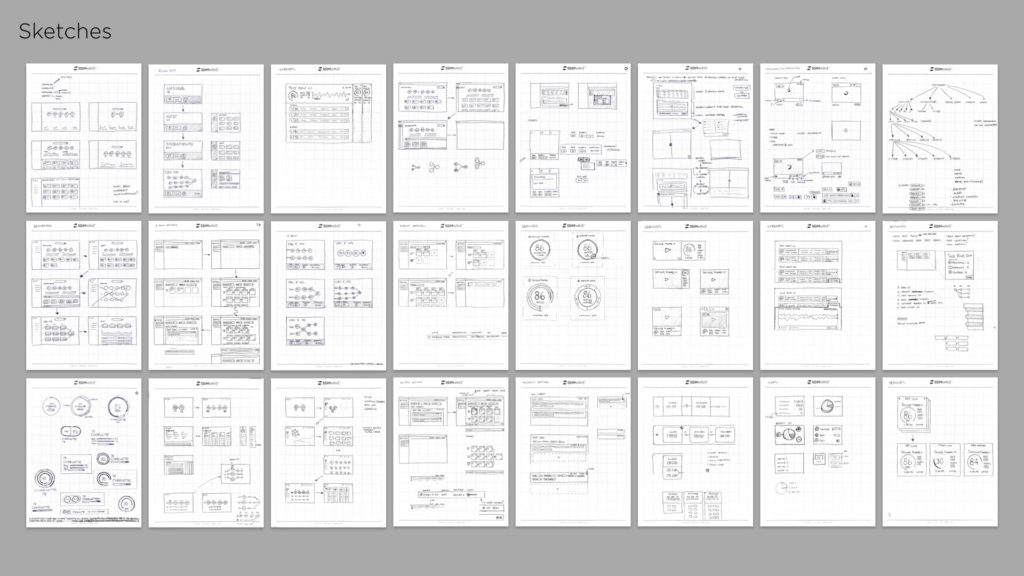
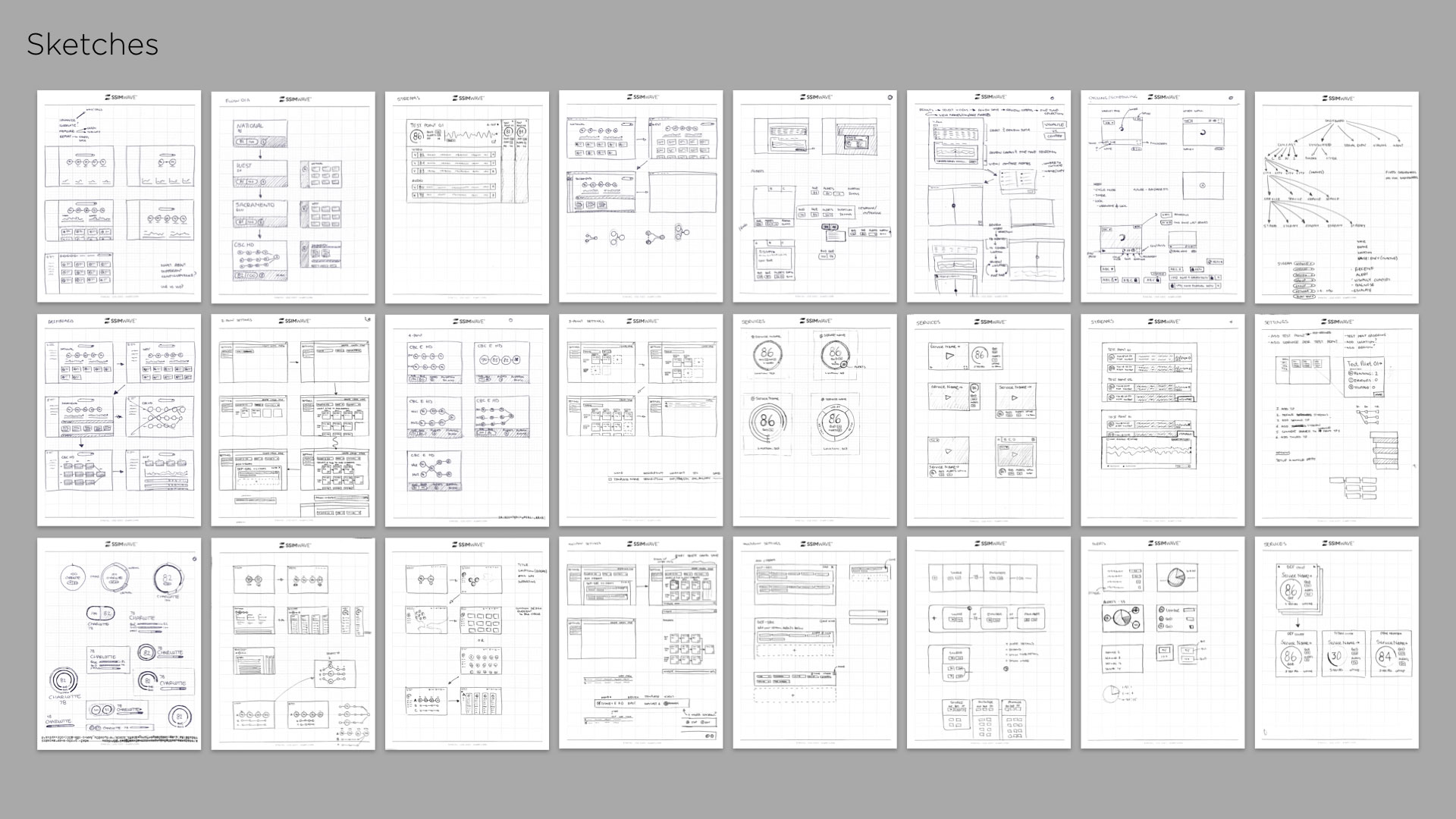
I worked hard identifying and designing features for the existing version and getting far enough ahead of the development teams to put focus into the future strategy. With the engineering backlog full, I was able to take a thorough approach to understanding, evaluating and designing a process to move Live Monitor to the next level.
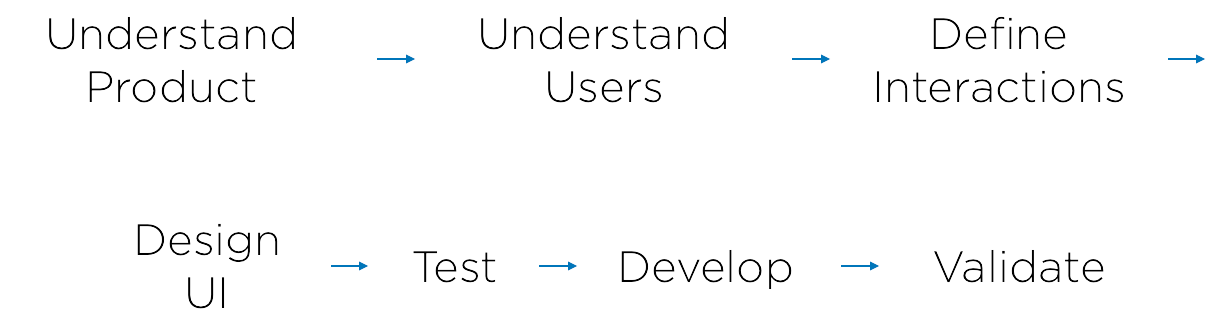
Understand Live Monitor
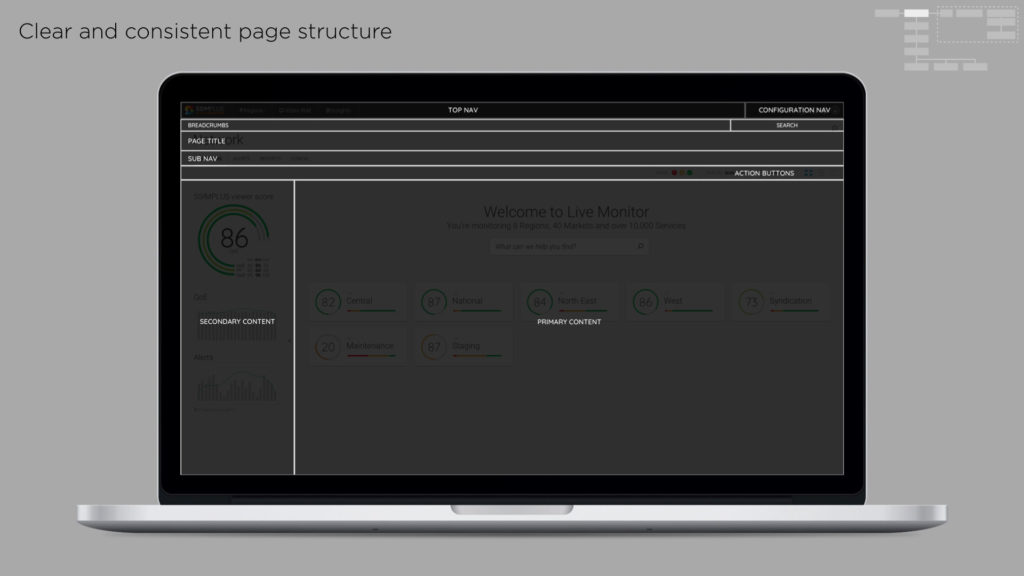
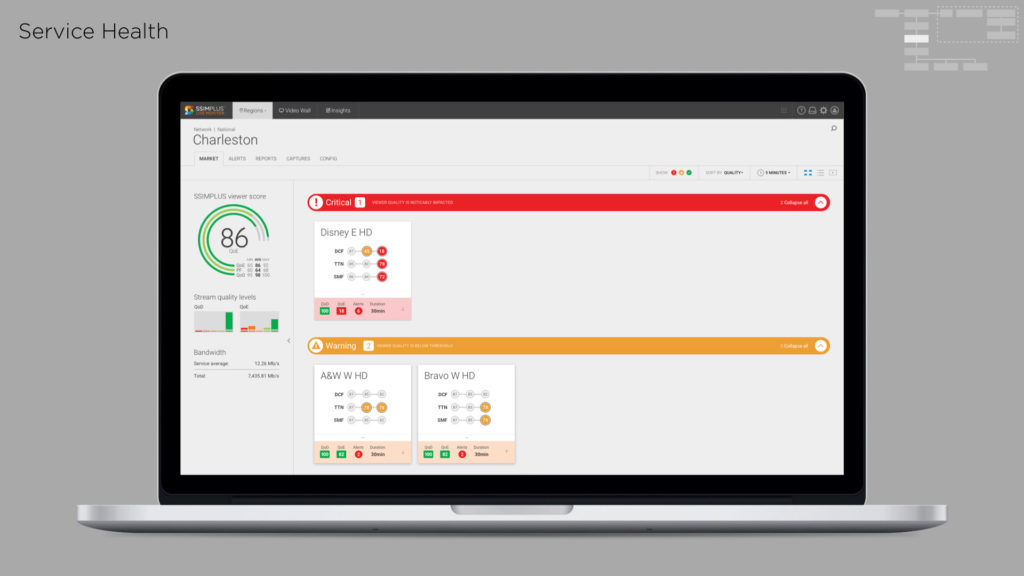
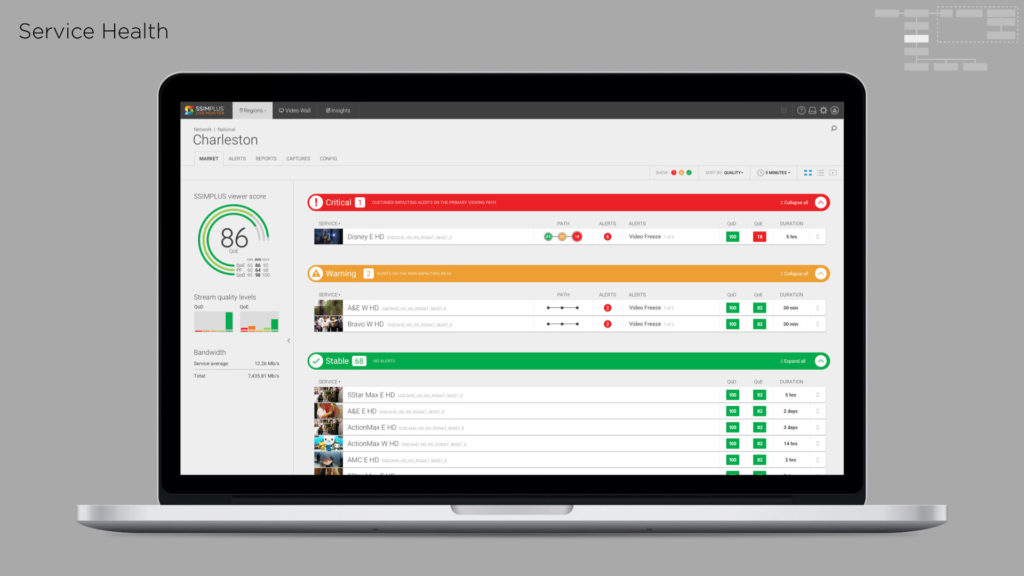
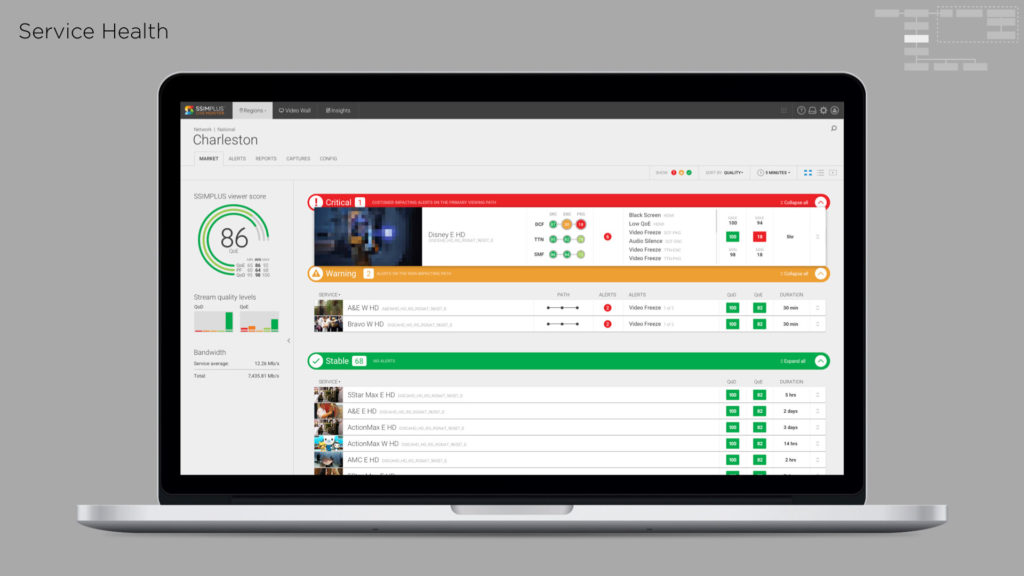
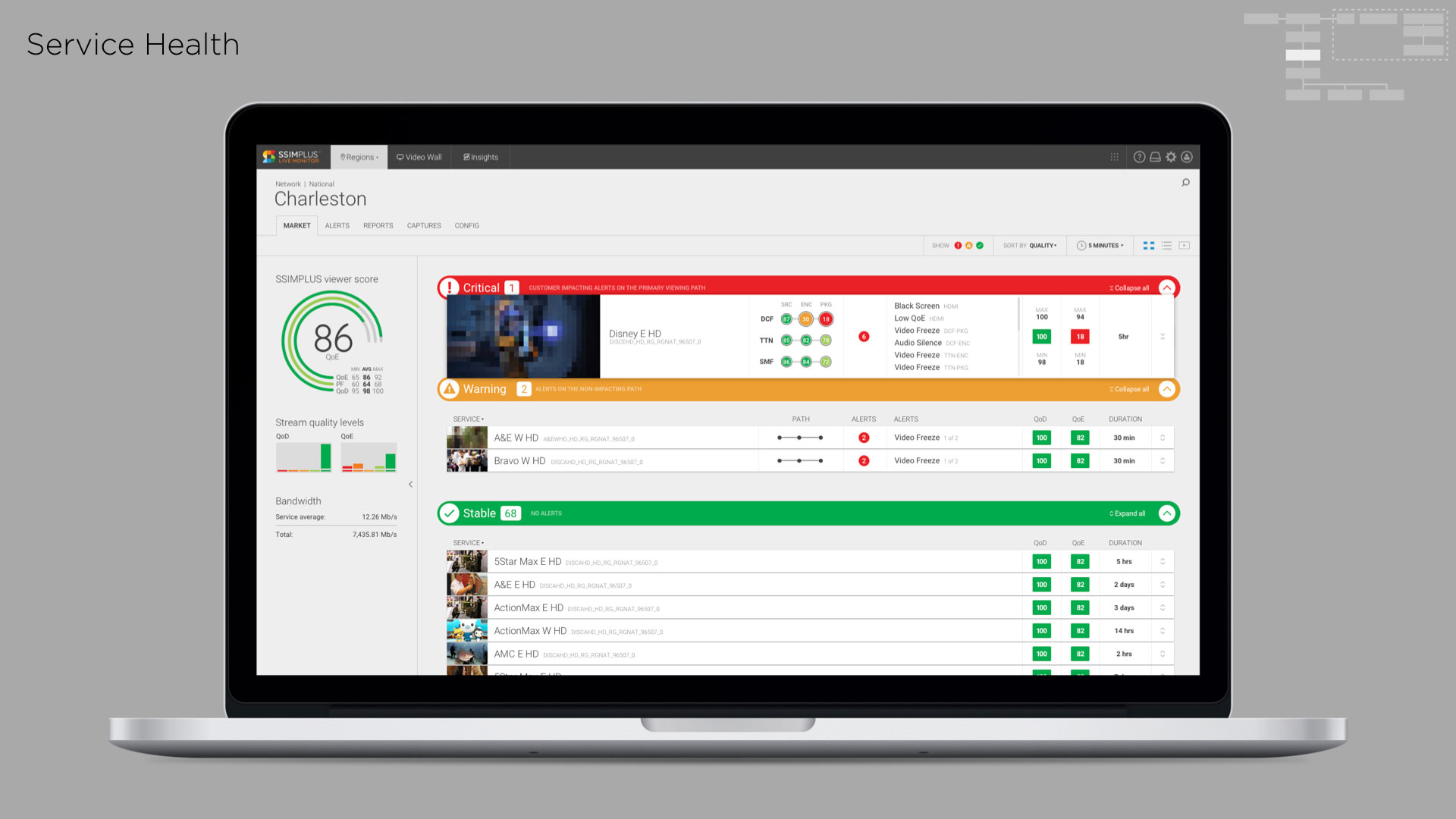
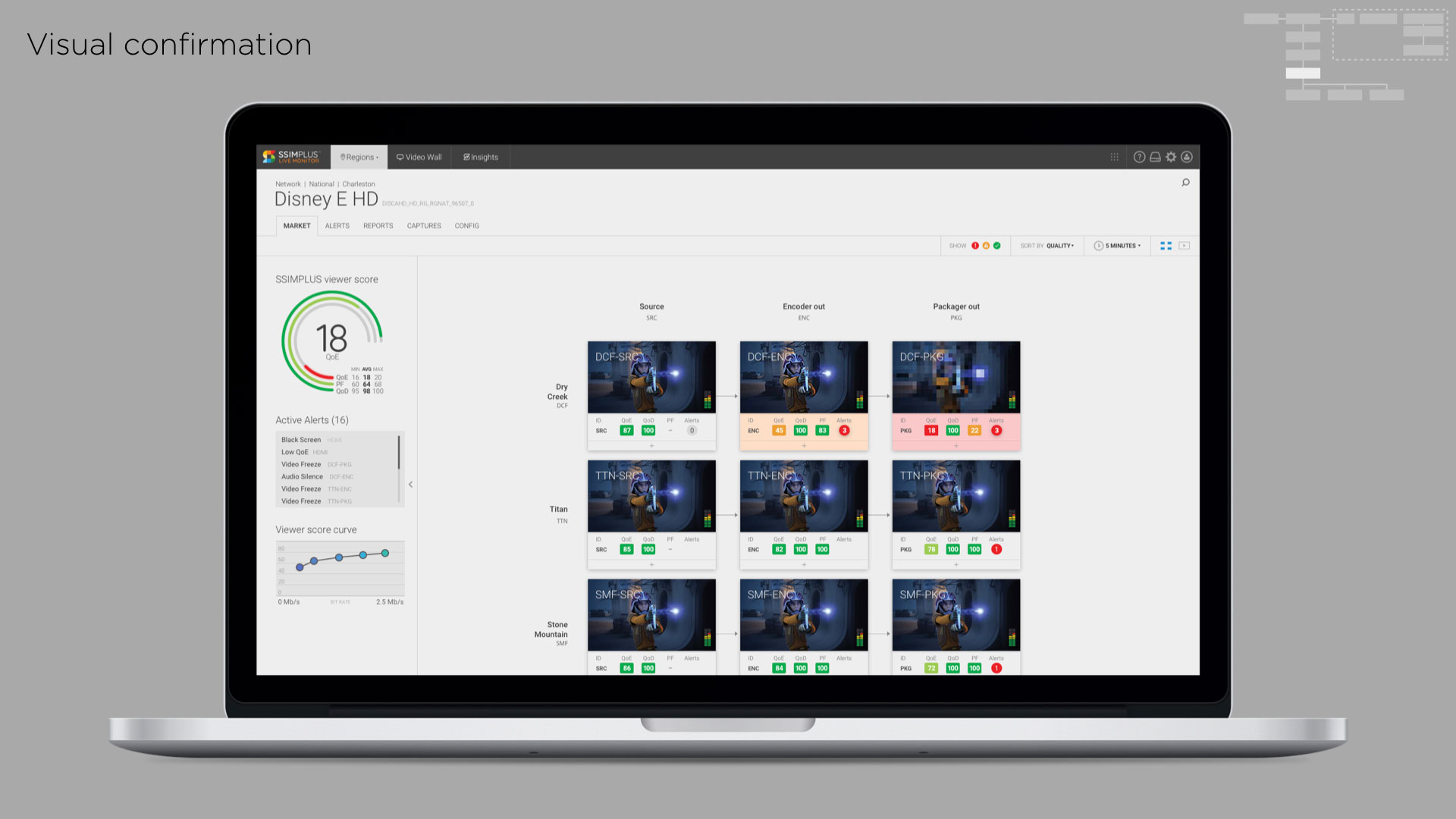
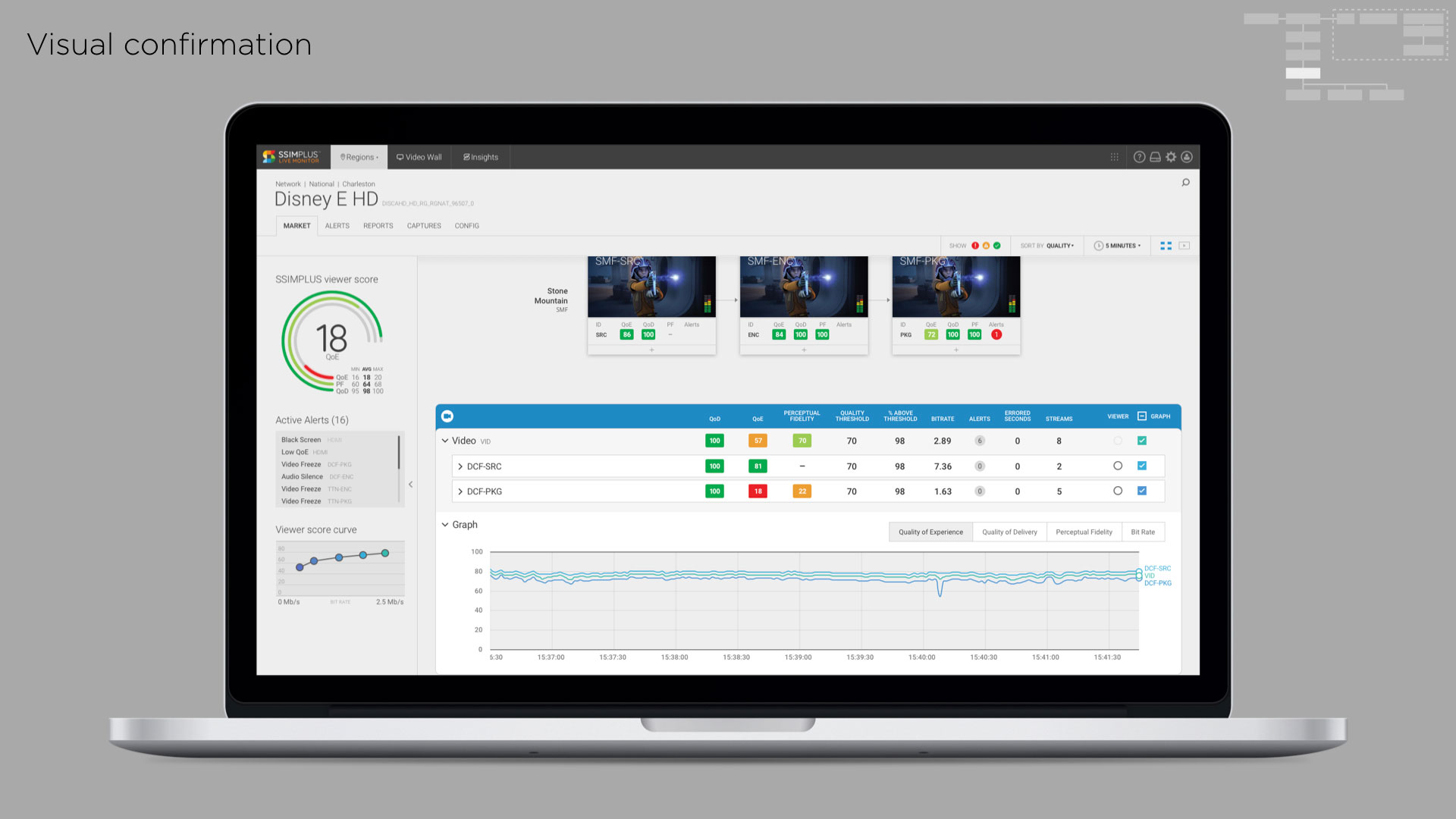
Understanding the product involved simple things like full-page heuristic reviews of every page of the application, and building sitemaps to help understand connections and relationships. It also required digging into the complexities of video analysis and how video quality scores are aggregated, averaged, and summarized in a way that helps users identify problems in their video delivery pipeline.
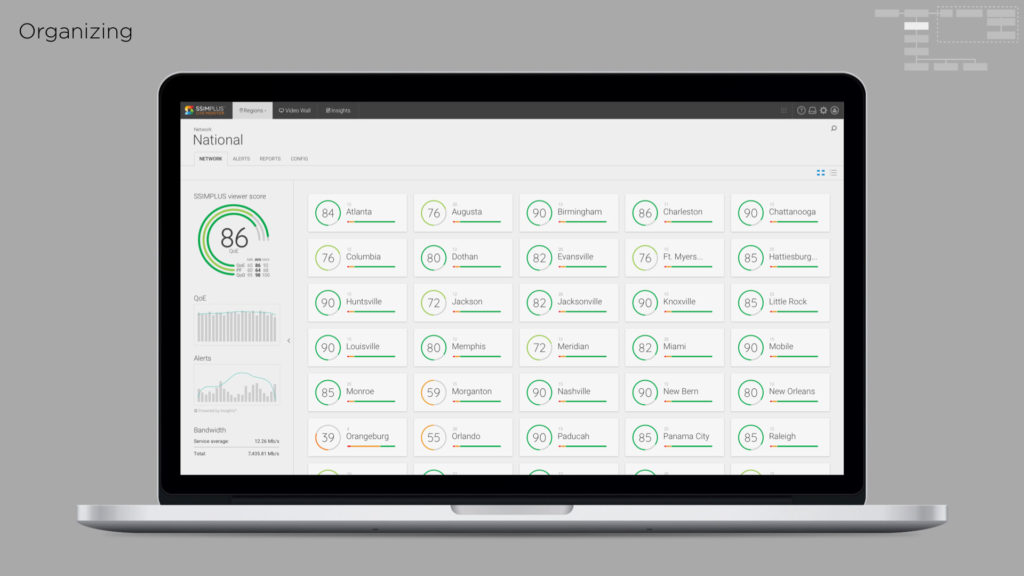
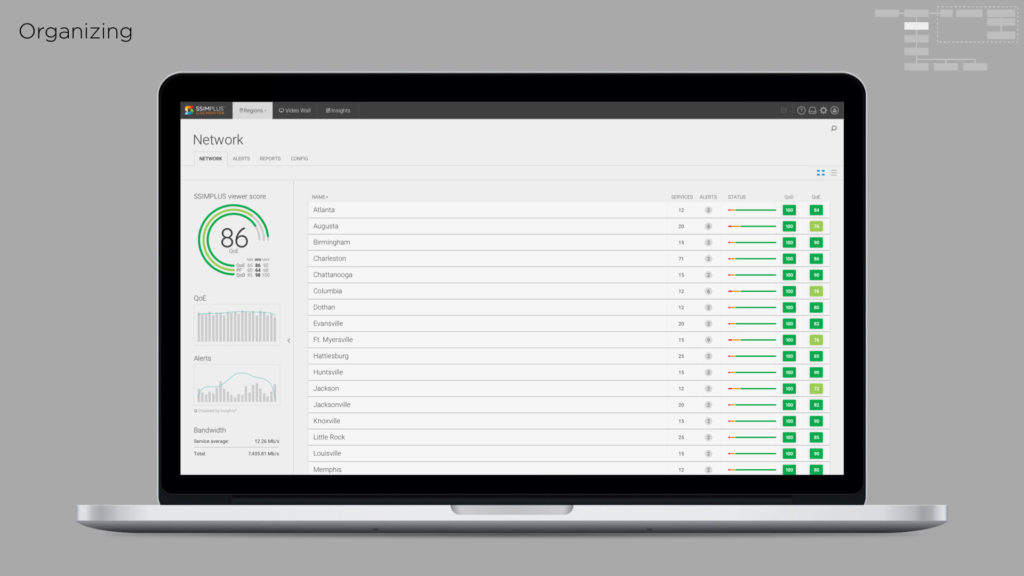
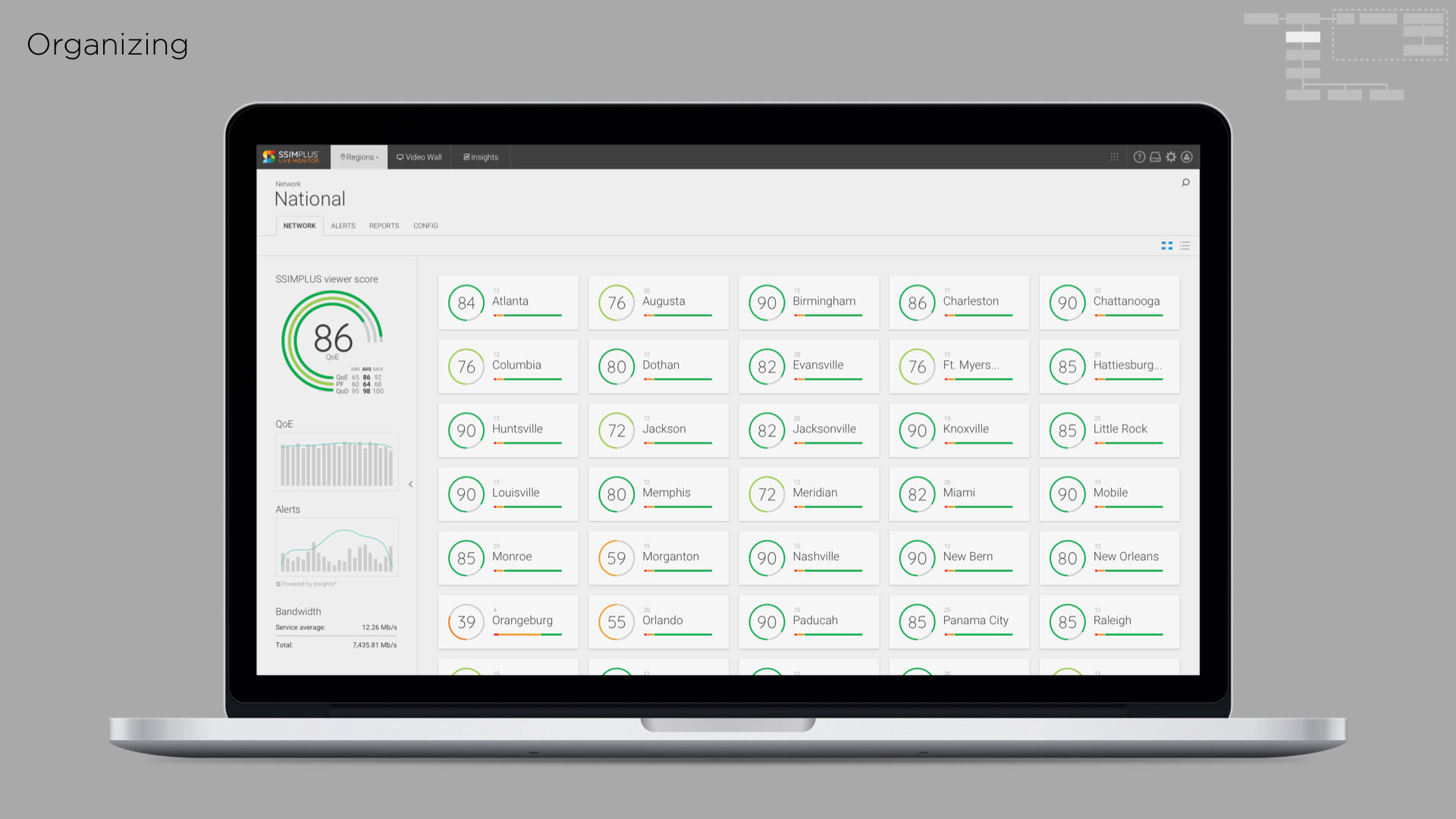
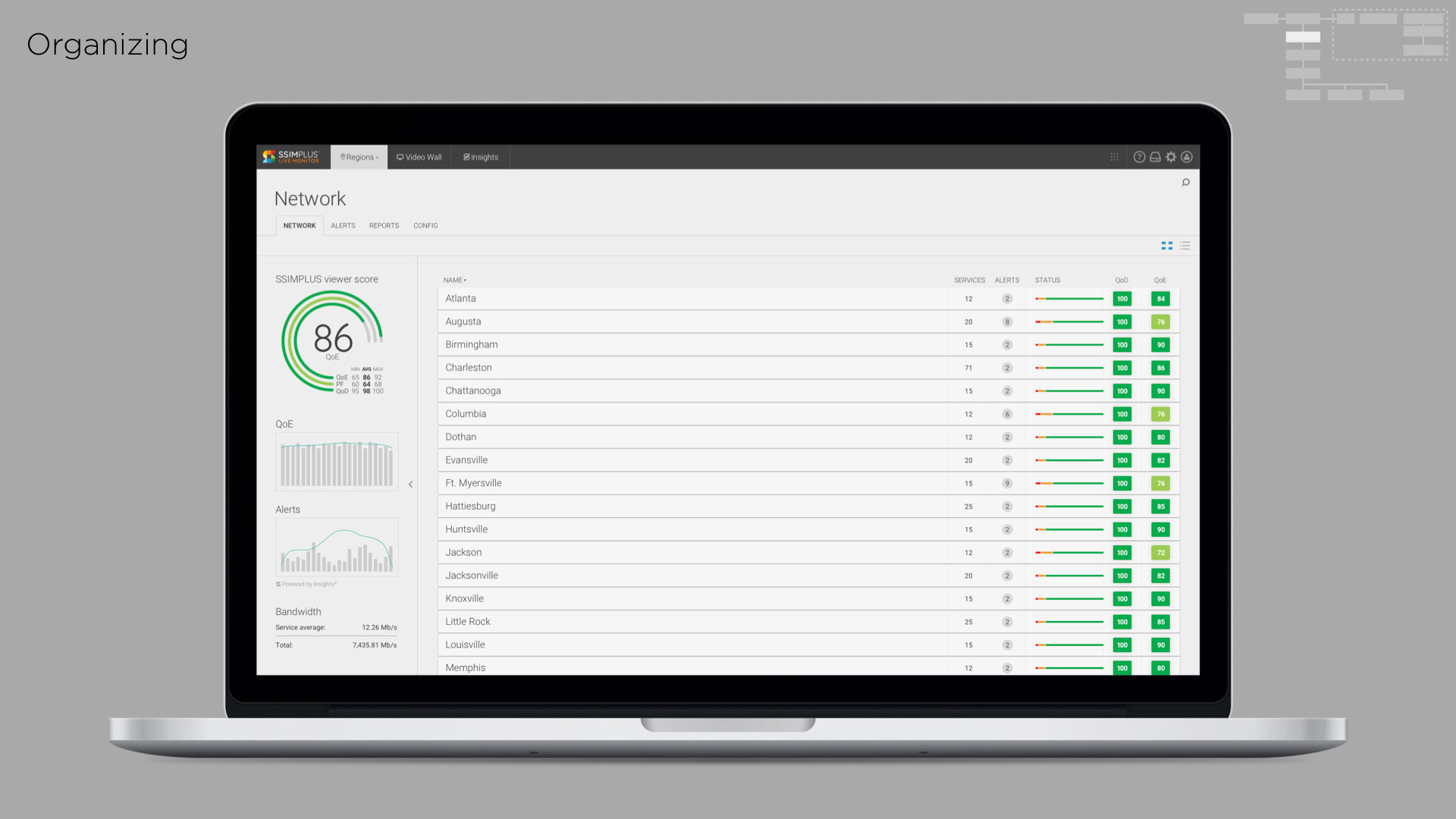
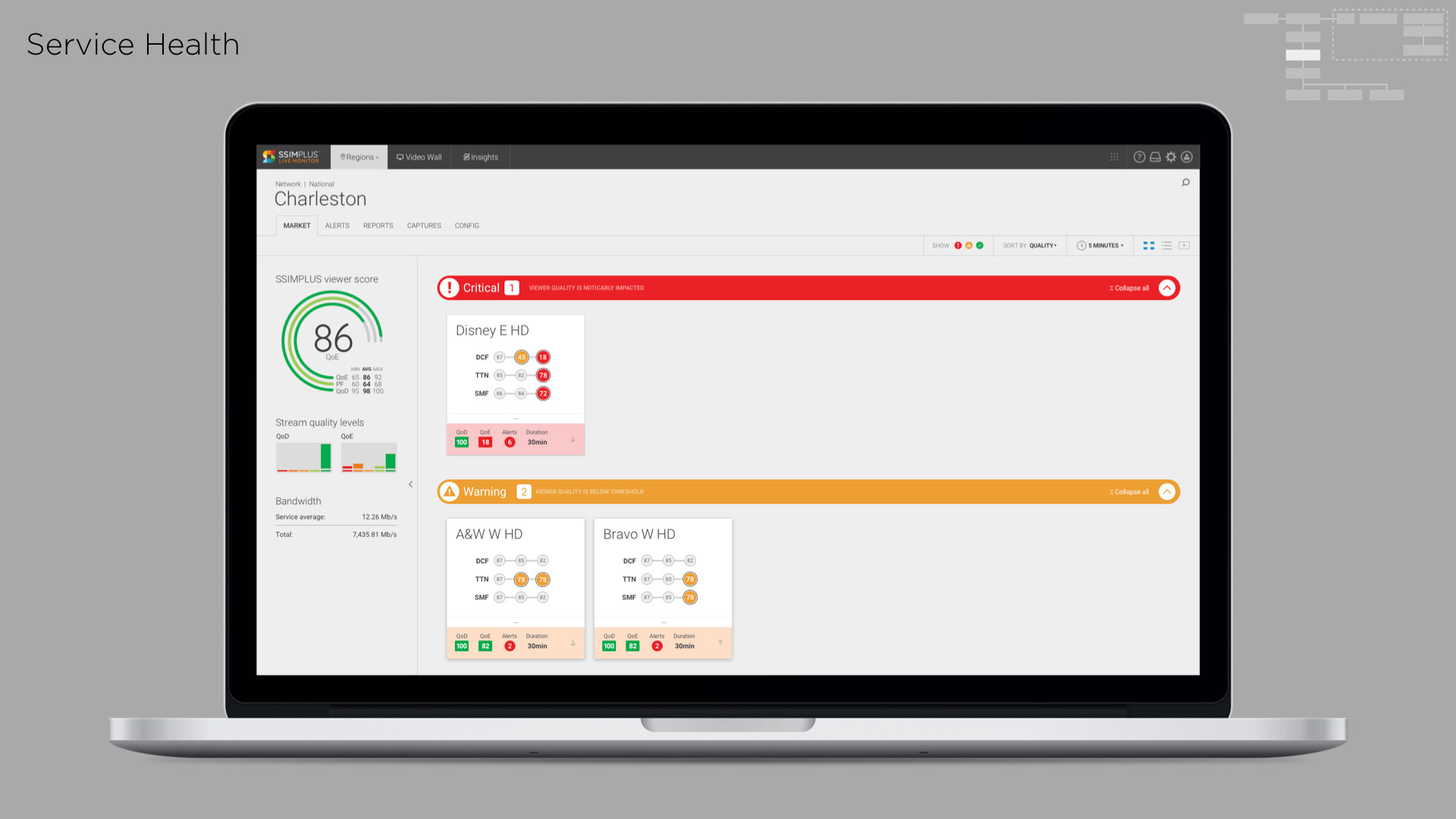
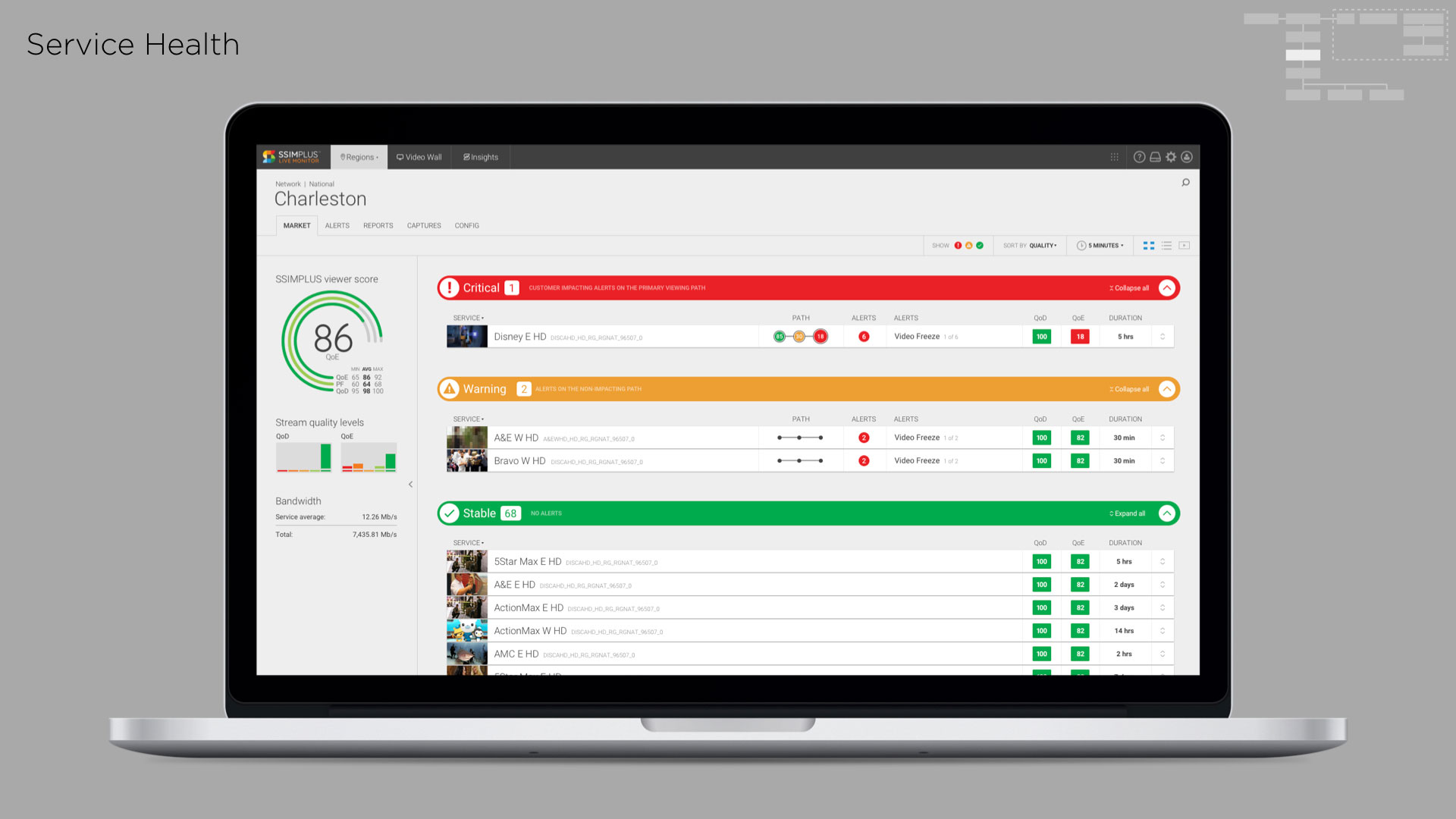
To help simplify a complex tool, I summarized the product into four key categories to help focus our efforts. We were already the best in the market at monitoring video quality, next we had to focus on being the best at organizing and defining relationships, alerting, and reporting.

Understanding users
I spent a few days shadowing users in the Network Operation Center (NOC). Video NOCs are dimly lit environments with walls of TV screens where technicians keep an eye on television channels 24-7 and troubleshoot any that go down.
I summarized key characteristics of our users and their environment to help our team empathize and focus on solving user challenges:
- Genuine desire to help people
- More introvert than extrovert
- Not video experts, but love to learn
- Team players
- Driven to keep things working and problems solved
- Good sense of humour
- Multitaskers
- Techies
- Energy drink consumers
“We’re the front lines. People say: ‘We couldn’t live without you guys.’”
“People love watching their TV.”
“We have a good sense of humour around here. You have to laugh. It keeps us going.”
User Journey
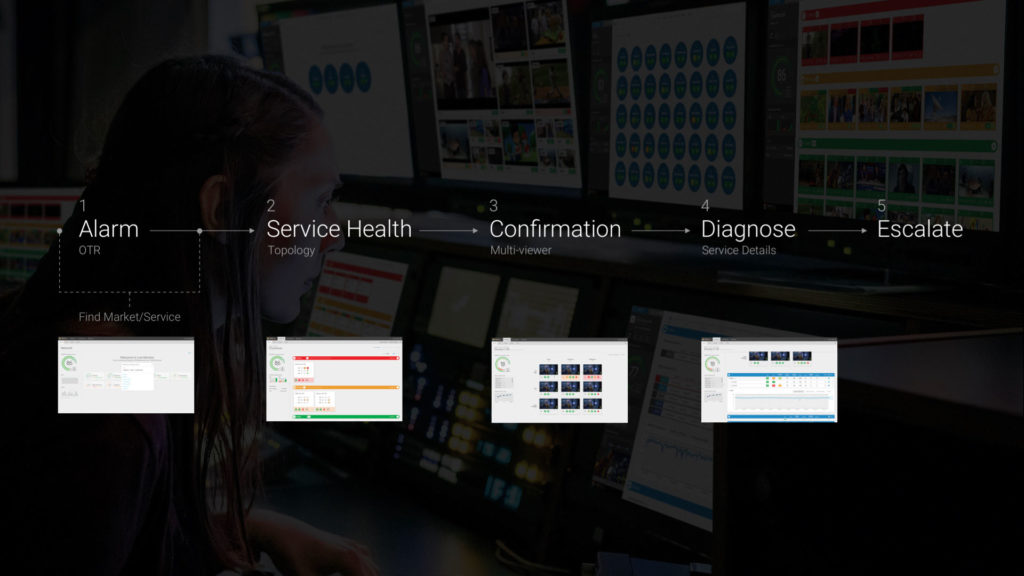
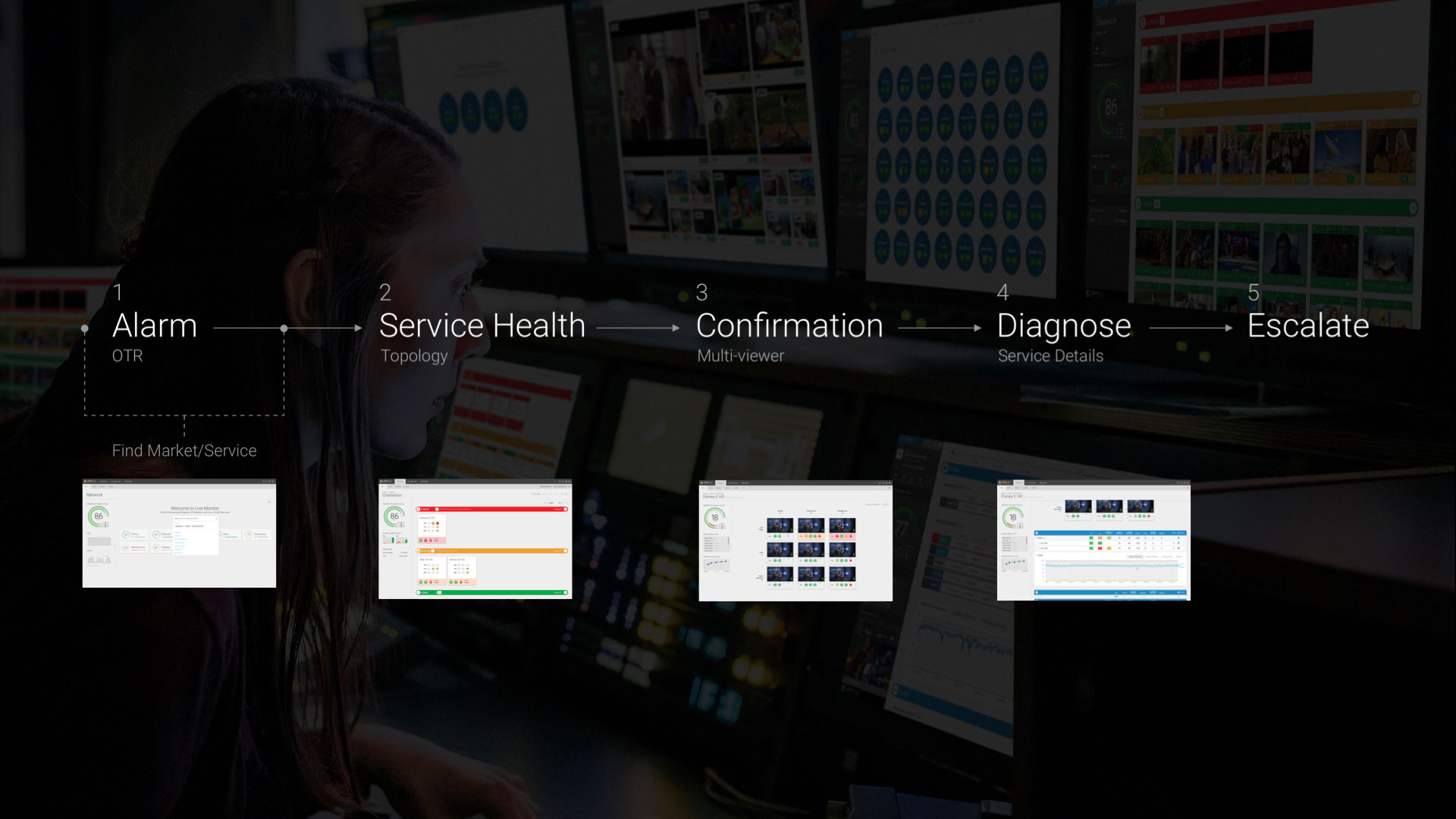
I also observed consistent steps the technicians would take with every alarm they received. This enabled us to further hone in on key pages in Live Monitor and make sure they directly mapped to our users journey through the software.

Cue the design process
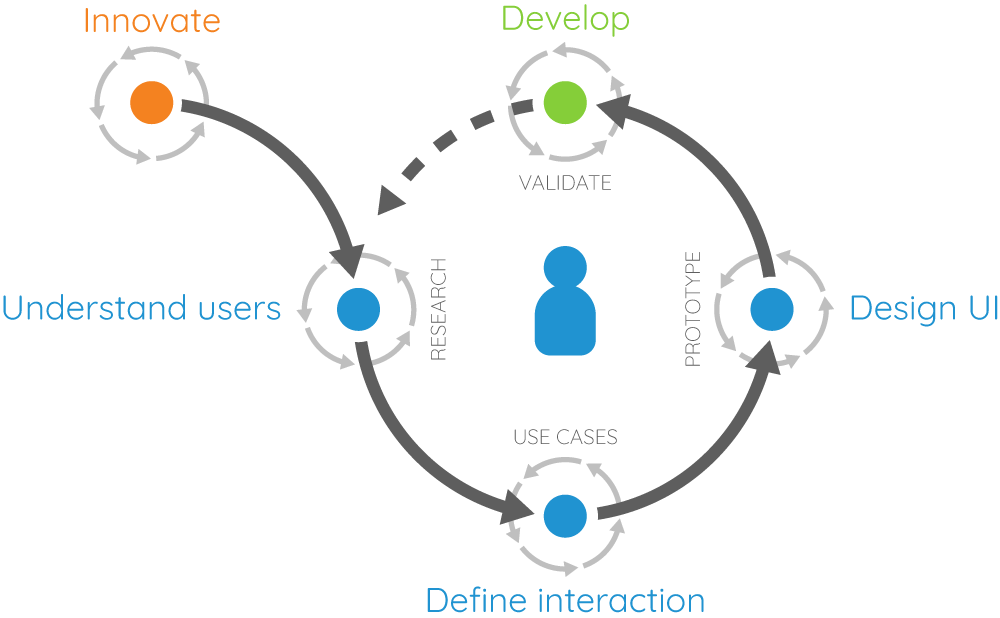
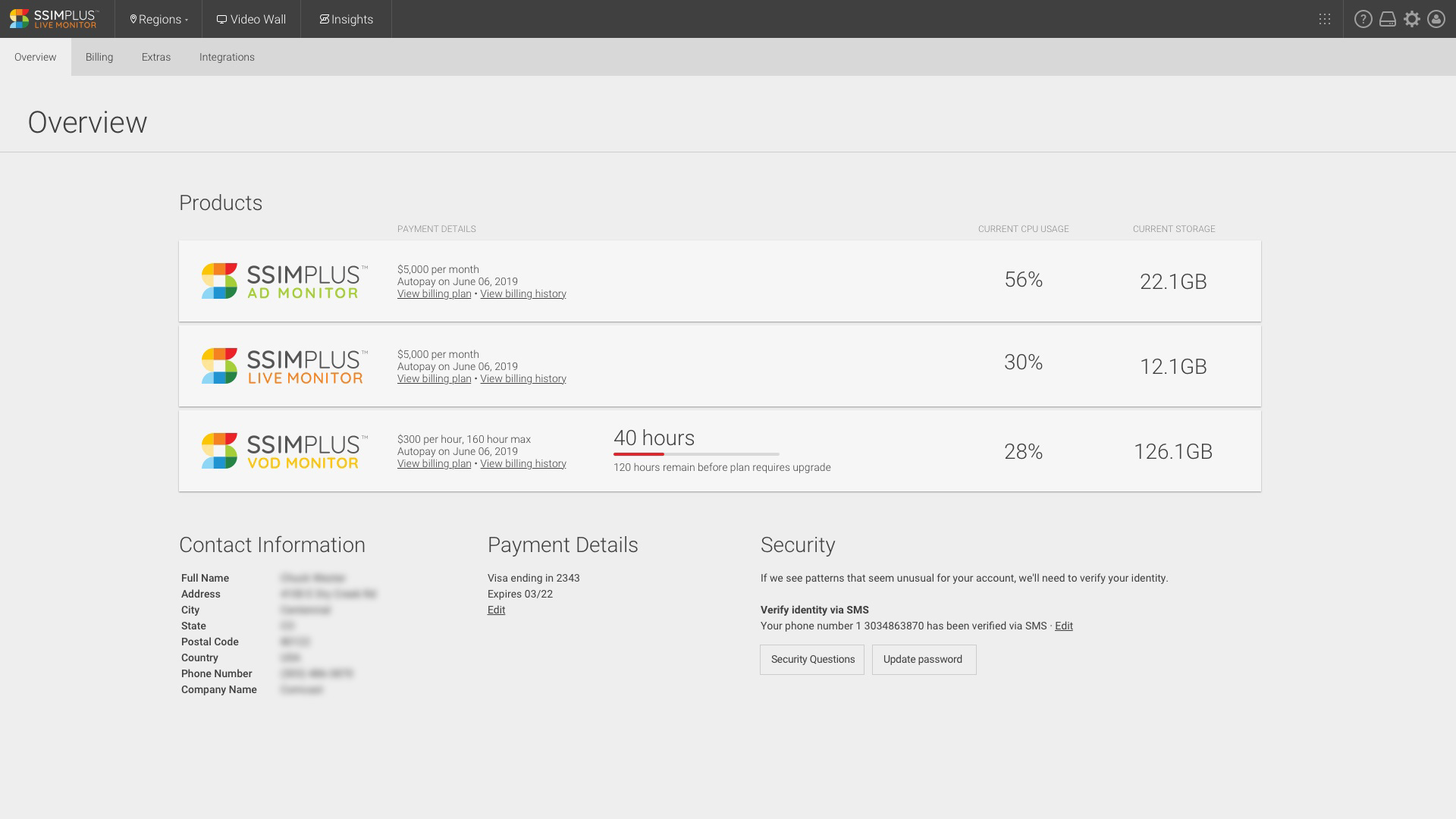
From there we defined a list of features and interactions that directly mapped to the user journey. We held weekly remote customer check-ins to review new features at various stages of development, and gather user feedback to inform UI choices. Towards the end of the process I went back to the NOC and confirmed our design decisions with the technicians on the ground.
Feature list
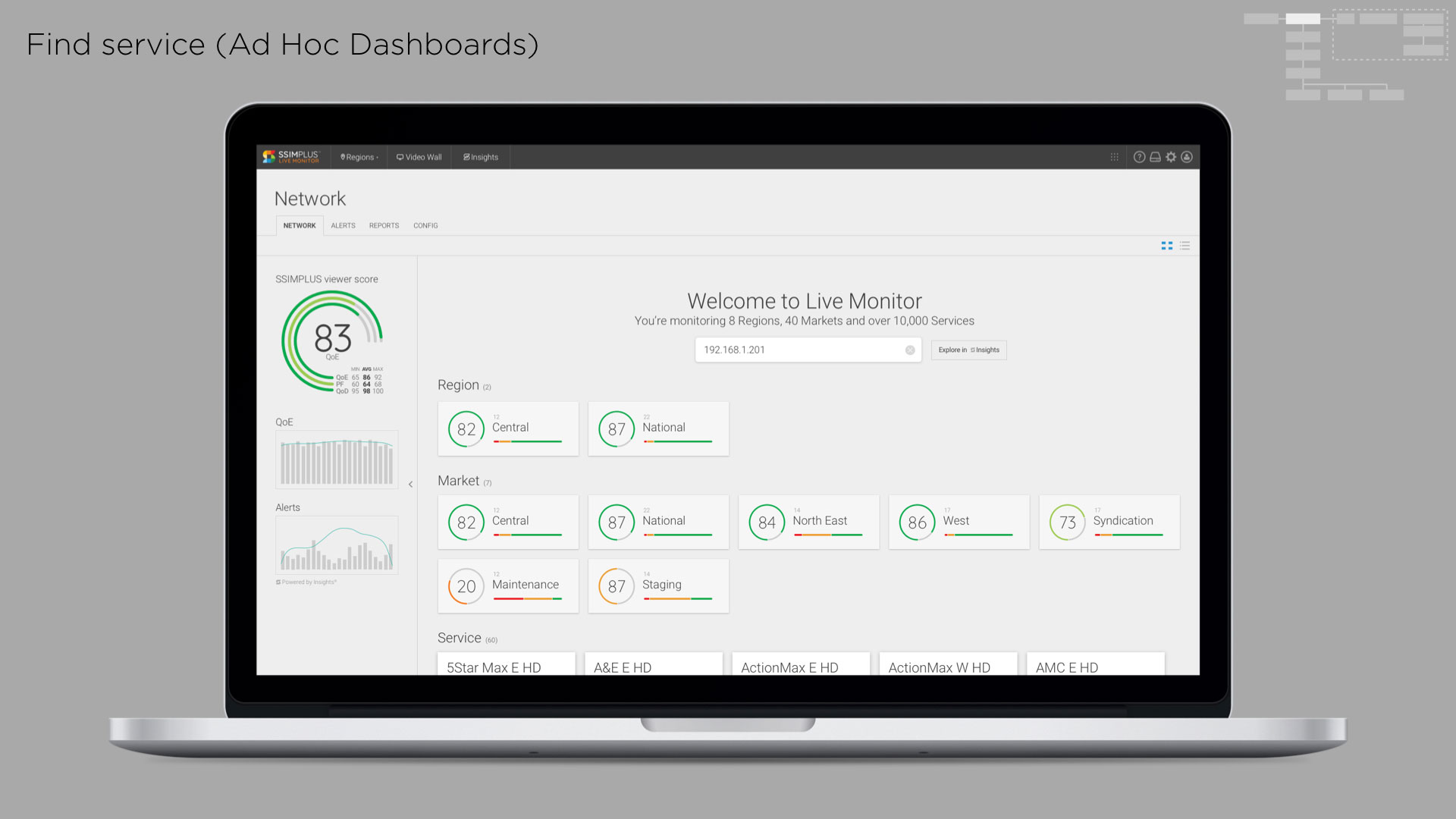
- Improve key user tasks
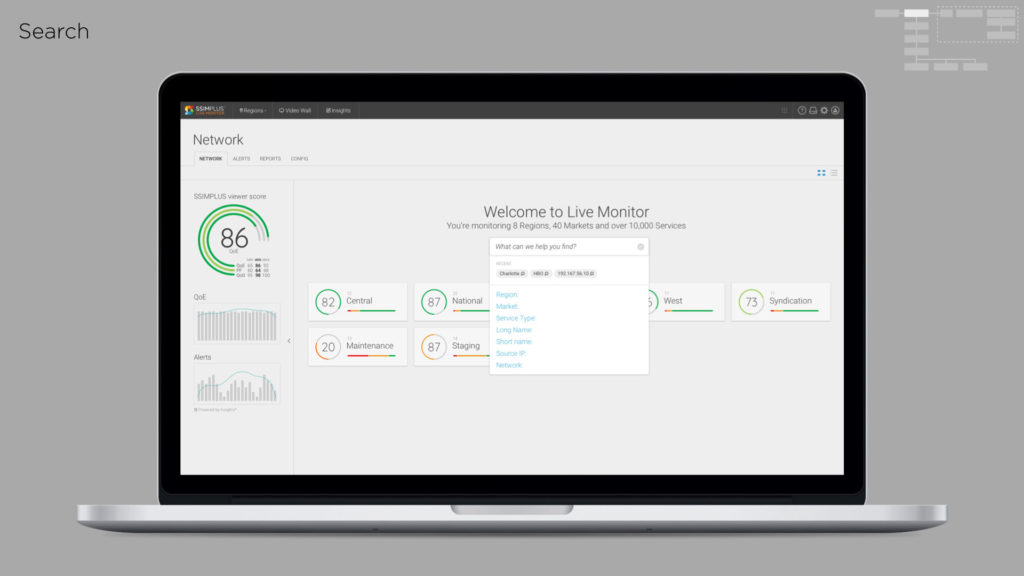
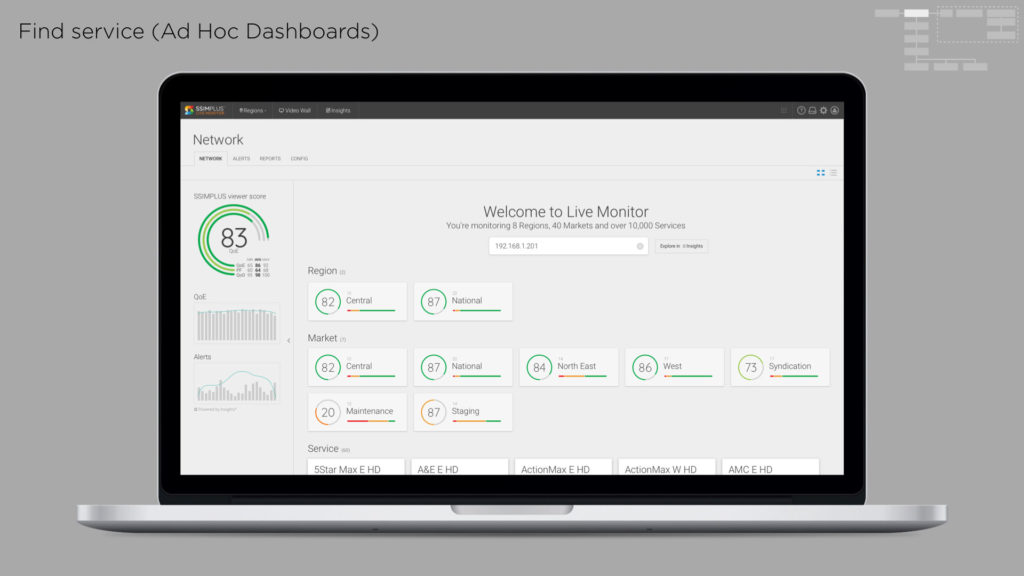
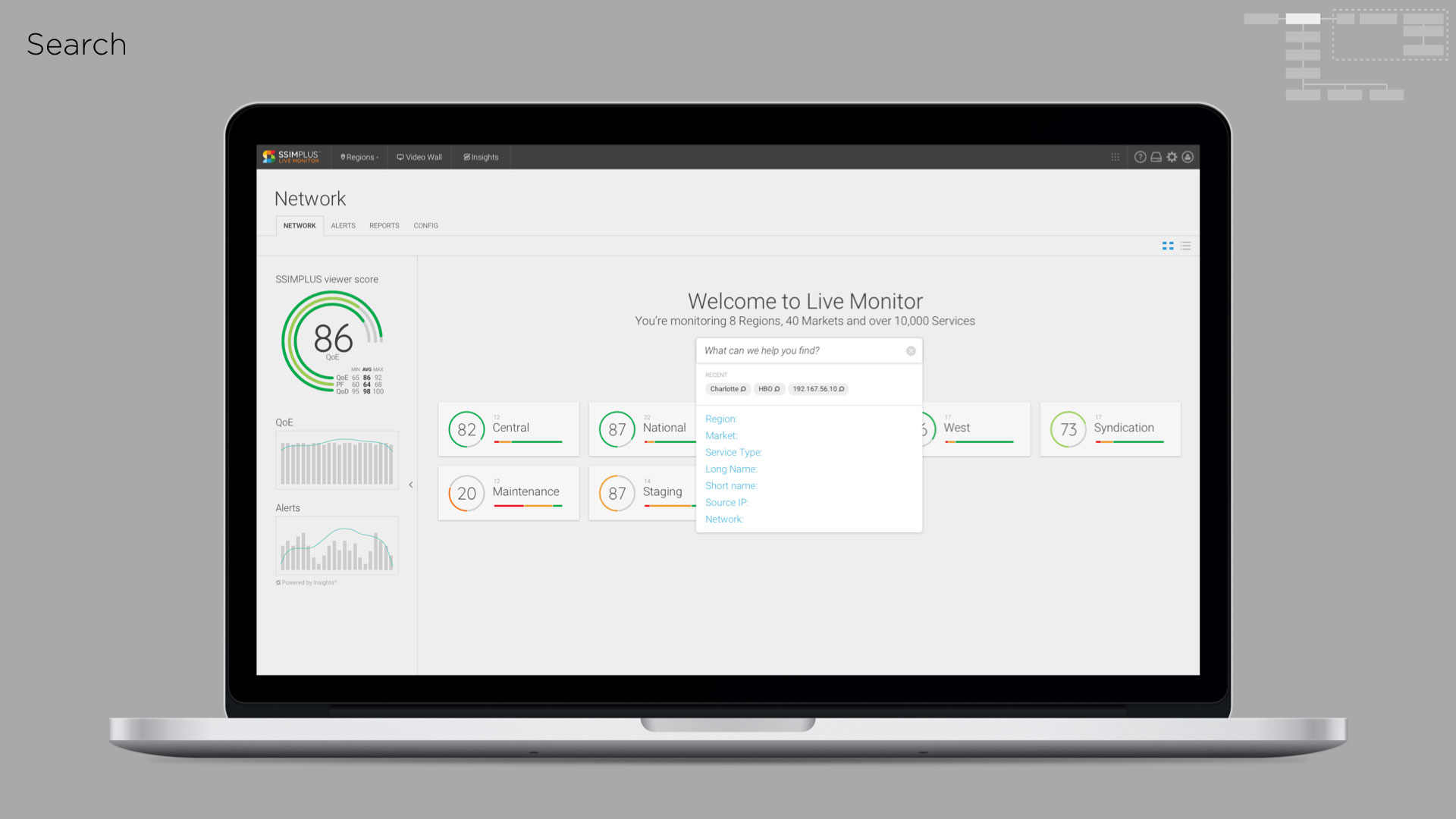
- Improve search
- Address long list of minor features/bug fixes
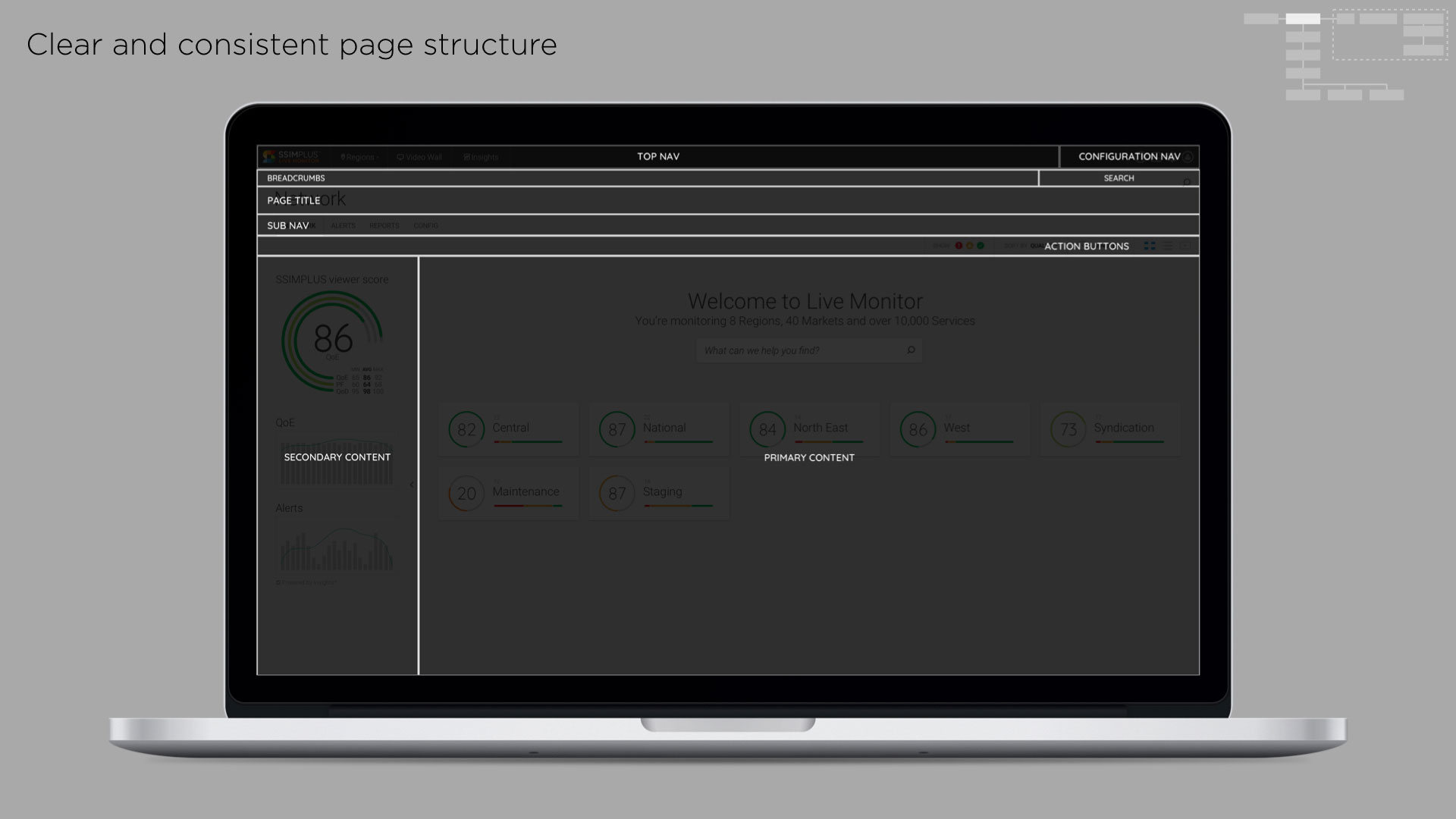
- Define design goals for the product
- UI facelift — design system, code framework