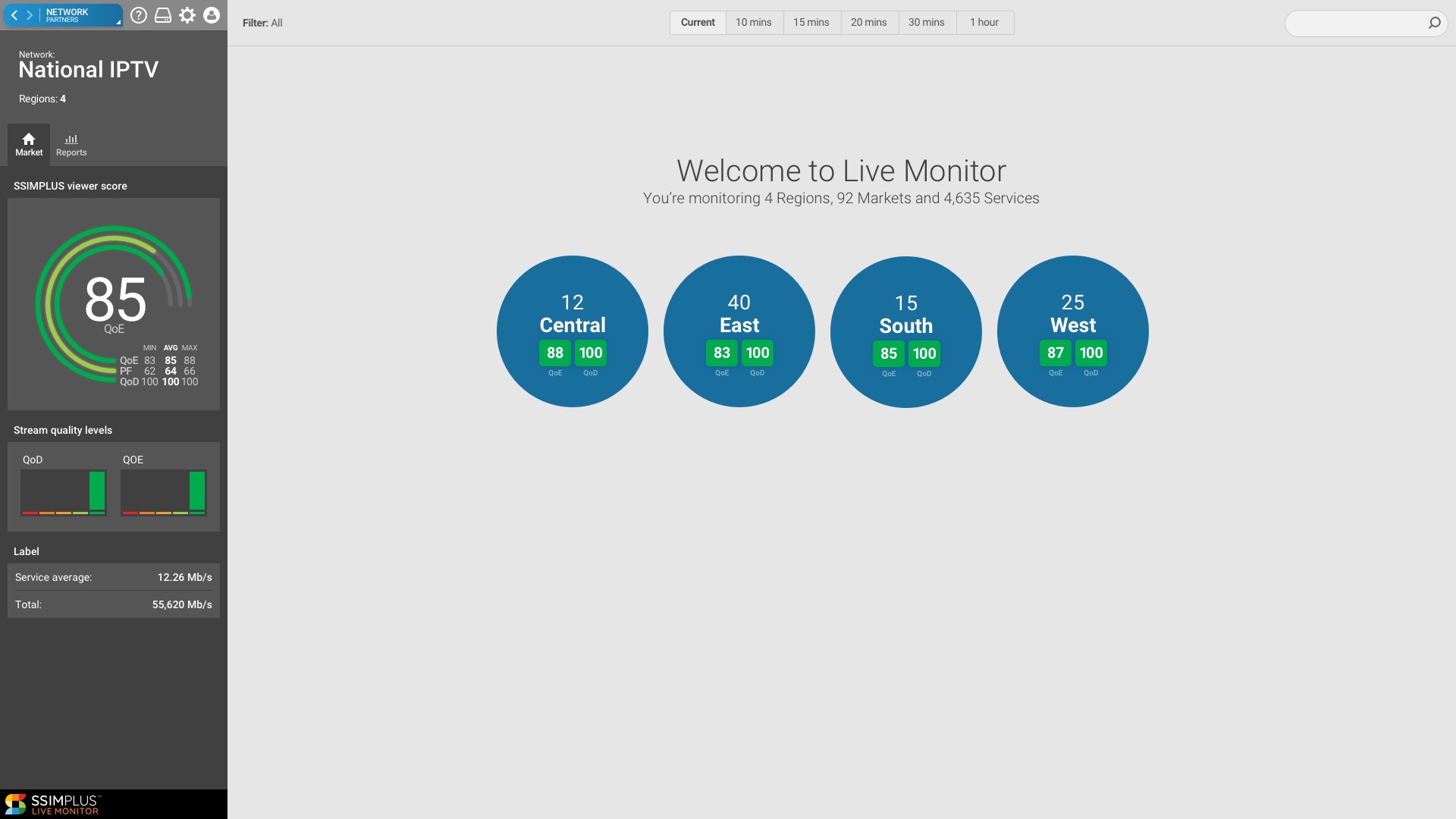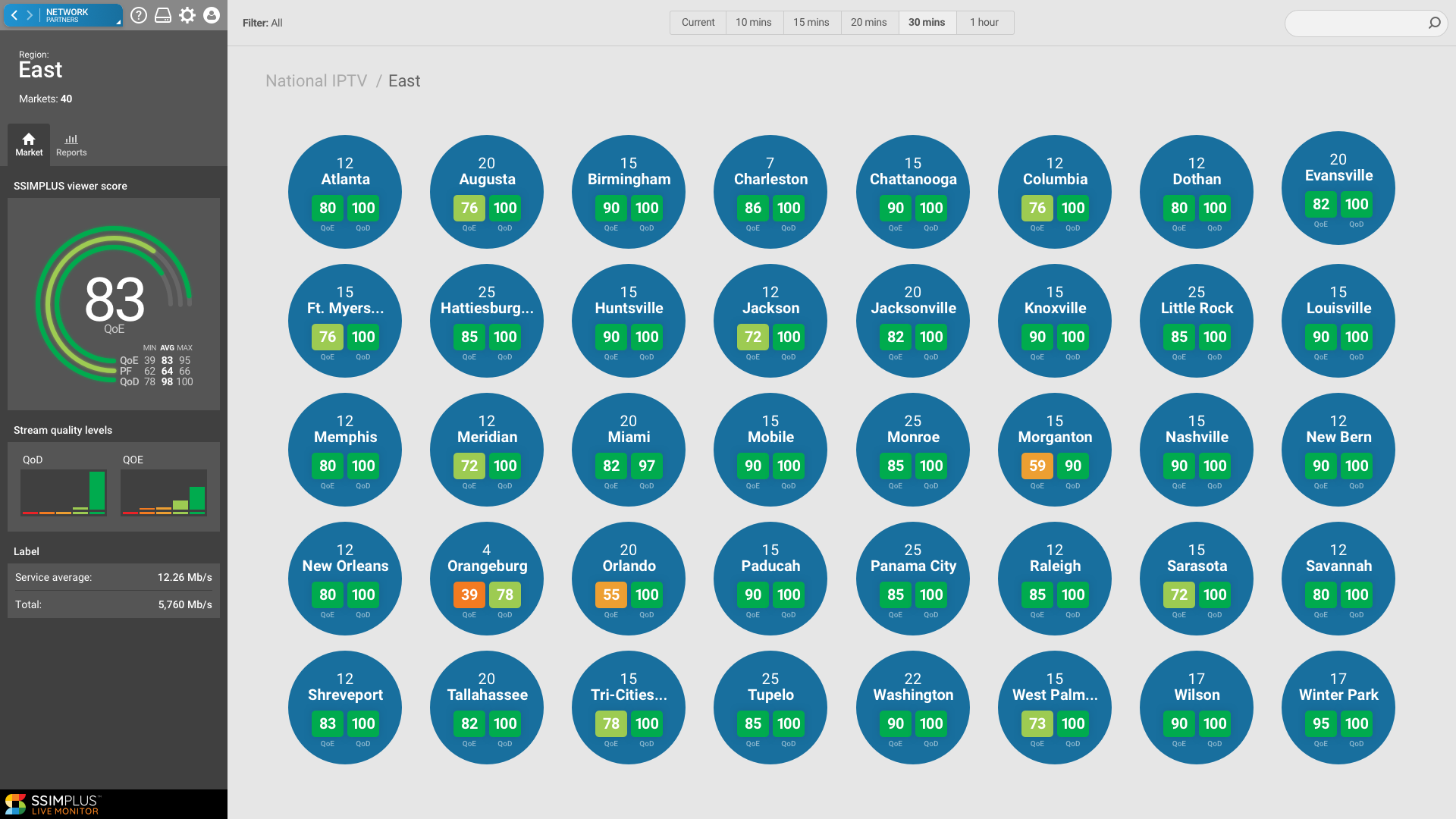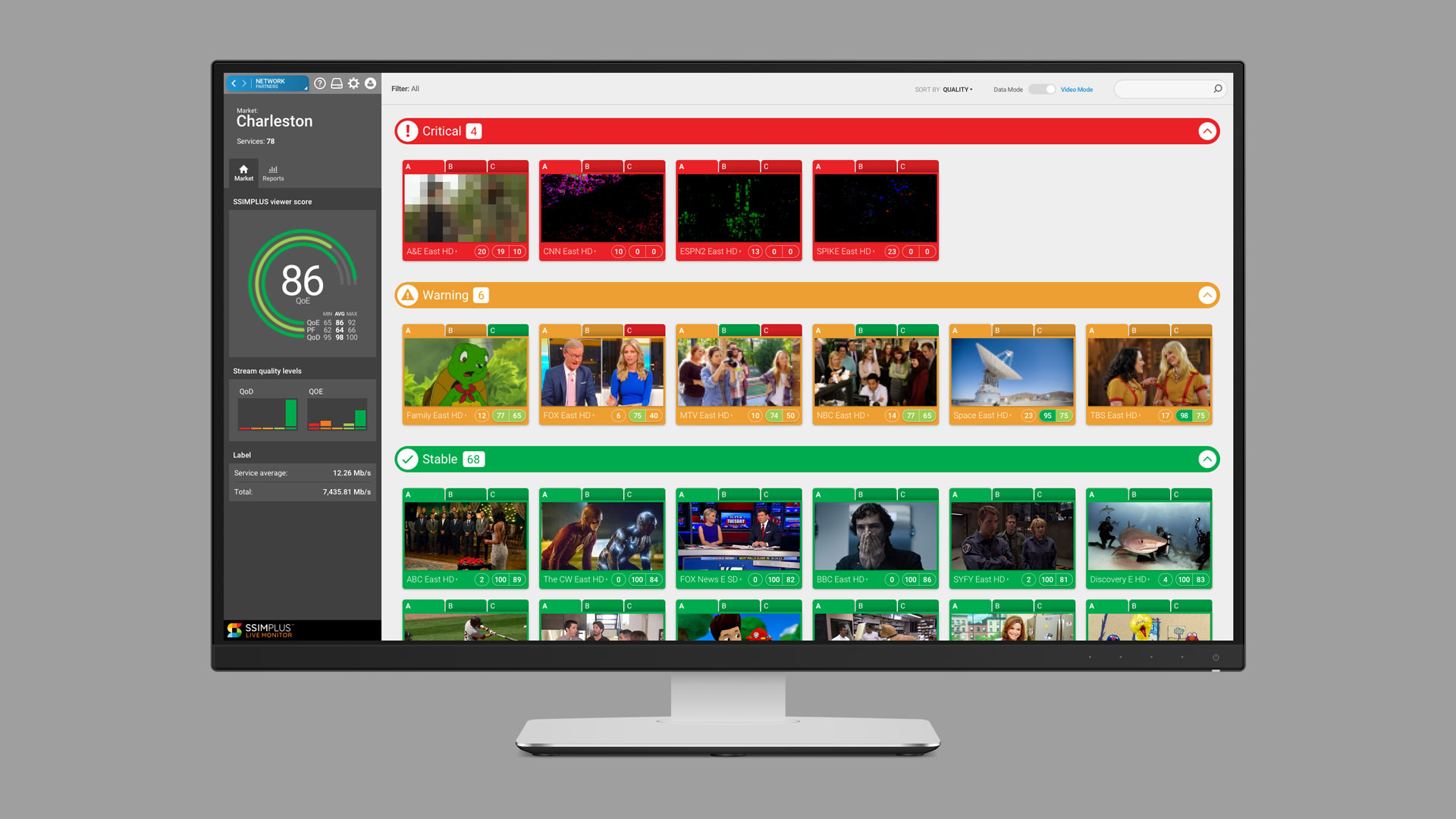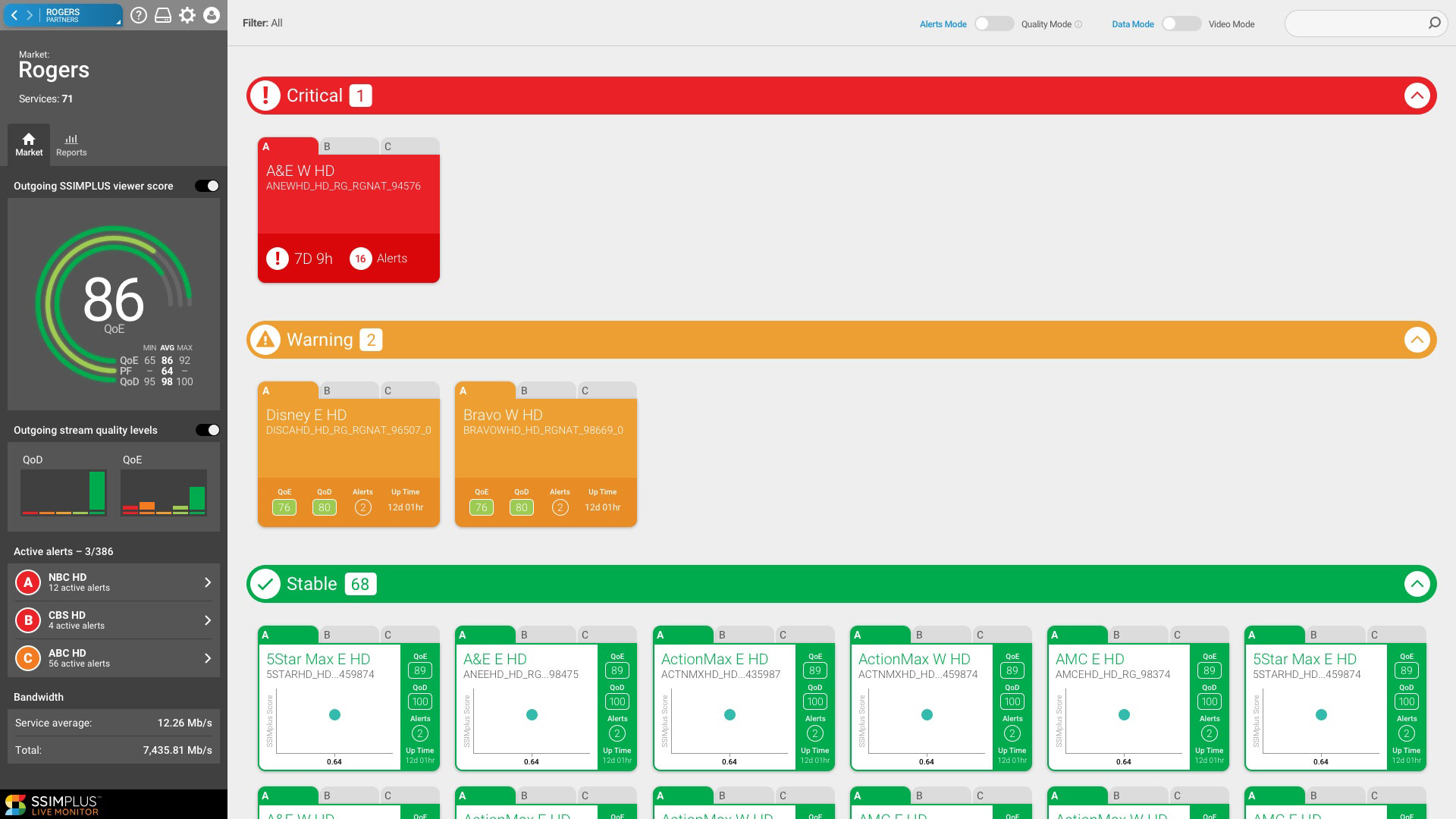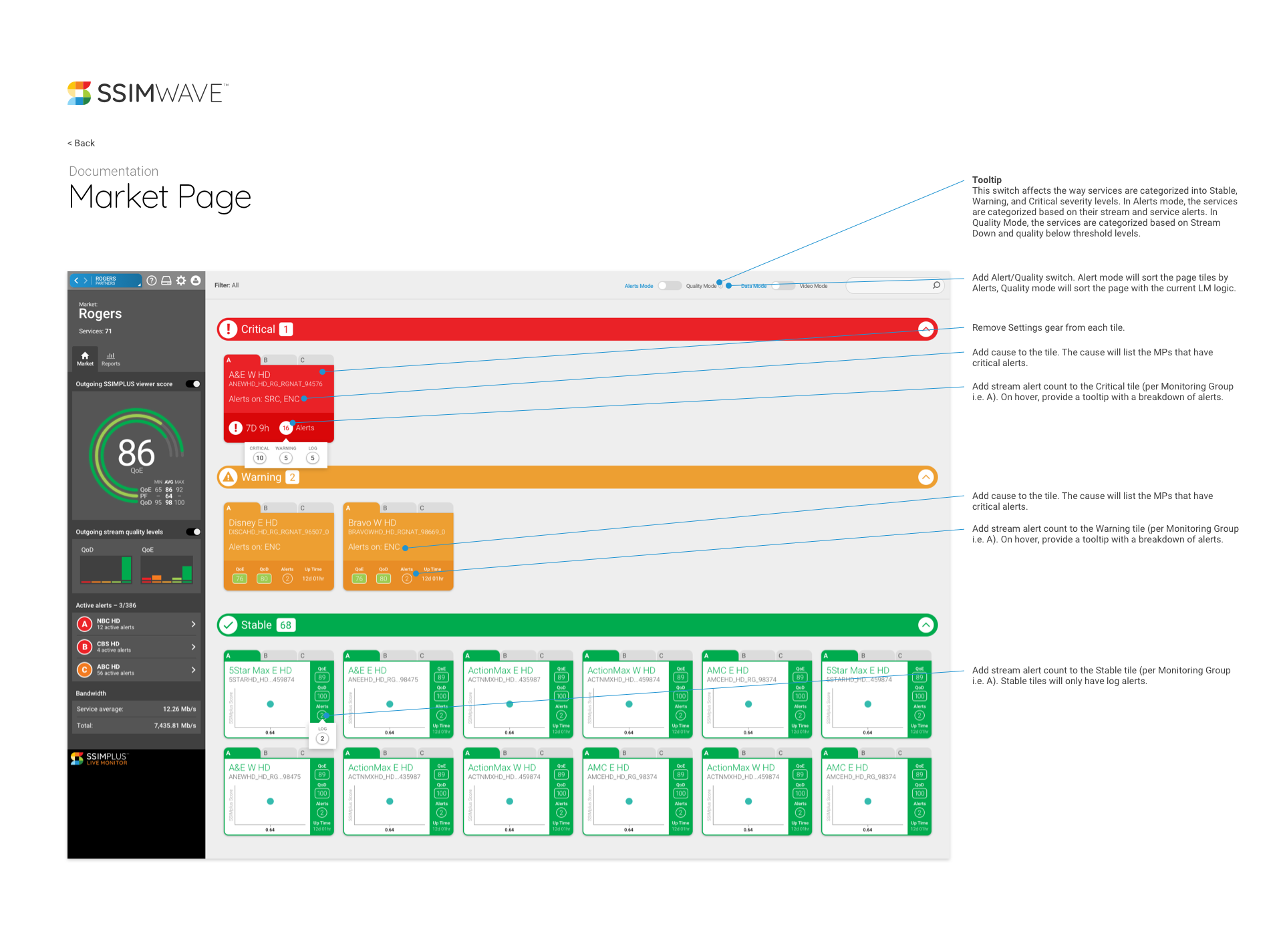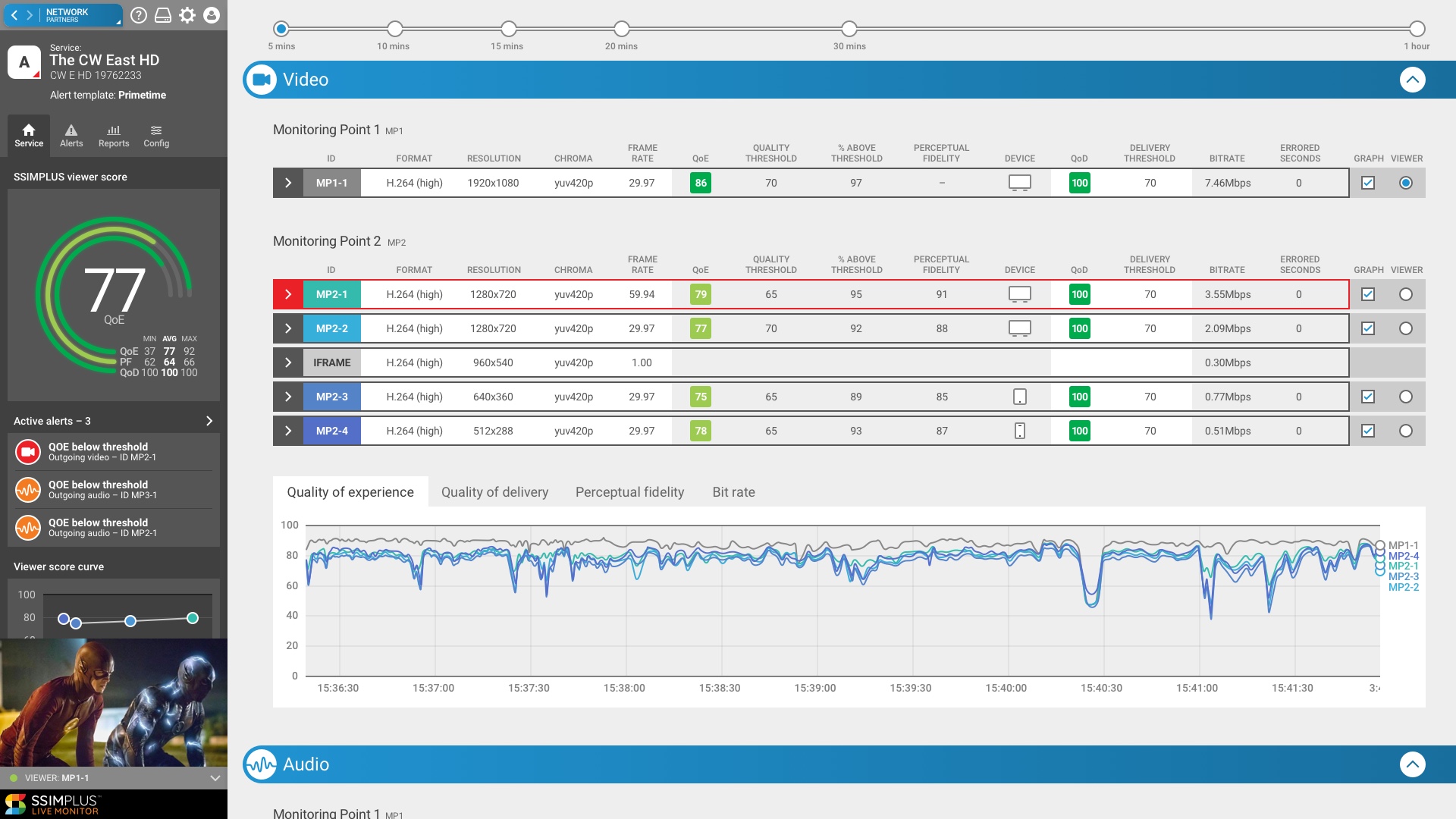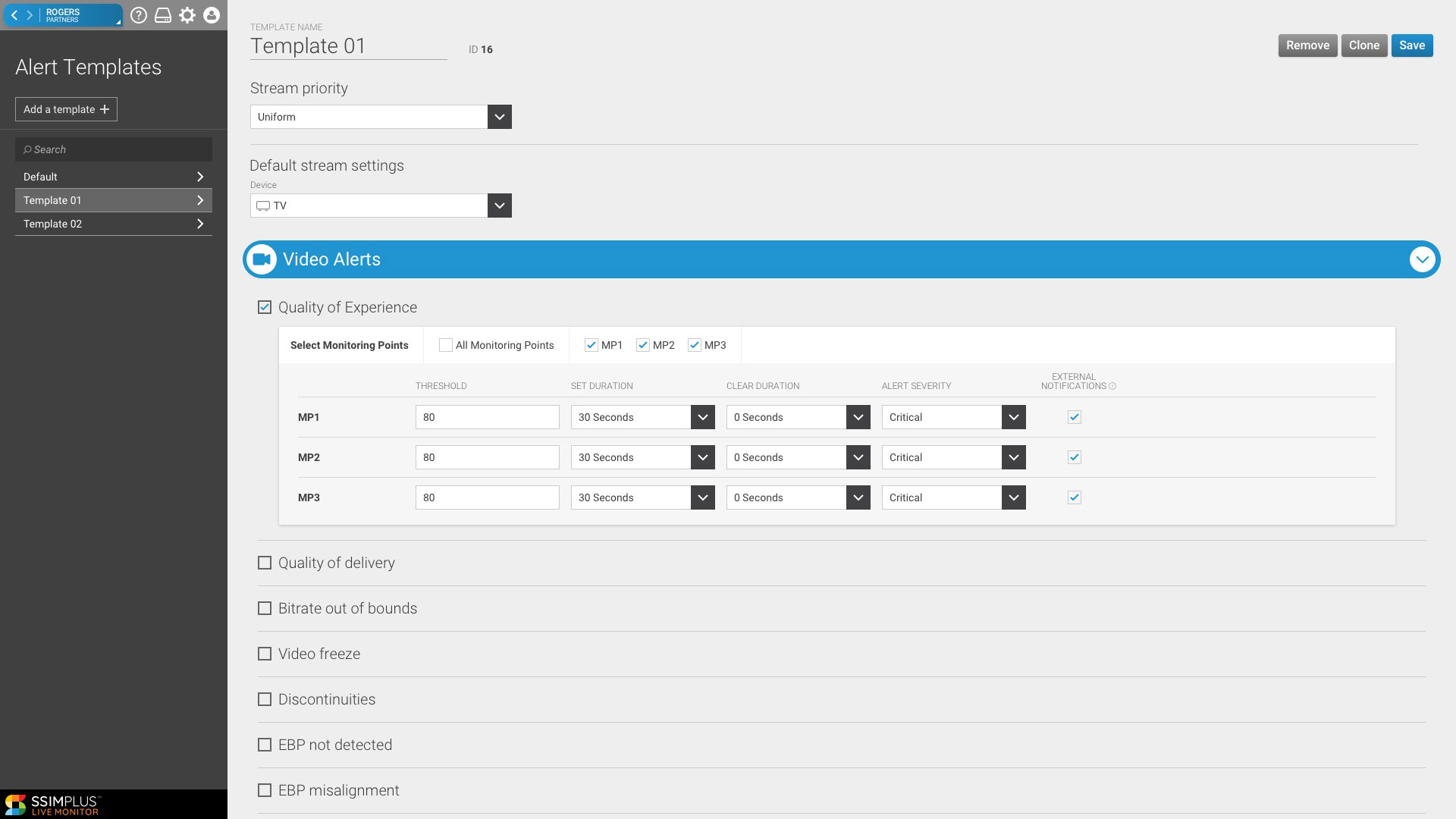
Live Monitor is SSIMWAVE’s tool for monitoring live video channels. It has a large team and a complex architecture. I had to learn quickly how UX decisions are hindered by backend architecture and how much of an impact those same decisions can have on engineering development cycles. I work closely with engineering to find compromises when needed. Features are designed and developed in an existing UI, and we make incremental improvements as we go along. Live Monitor is implemented in Network Operation Centres to monitor live TV channels.
“I had to learn quickly how UX decisions are hindered by backend architecture.”
Through multiple site visits and conversations with the “NOC guys”, I was able to learn about the environment they work in, what motivates them, and how SSIMWAVE could make their lives easier. We have weekly remote customer check-ins to review new features at various stages of development, and gather user feedback to inform UI choices. I’ve learned to hone my questions to gather feedback without out leaning too far into my bias. “Tell me what you think it means” is one of my regulars, and while it usually gets a chuckle the result is some great first impressions feedback.
Project Role
- UX and UI Design
- User research and testing
Software
- Sketch
- InVision
Video Wall
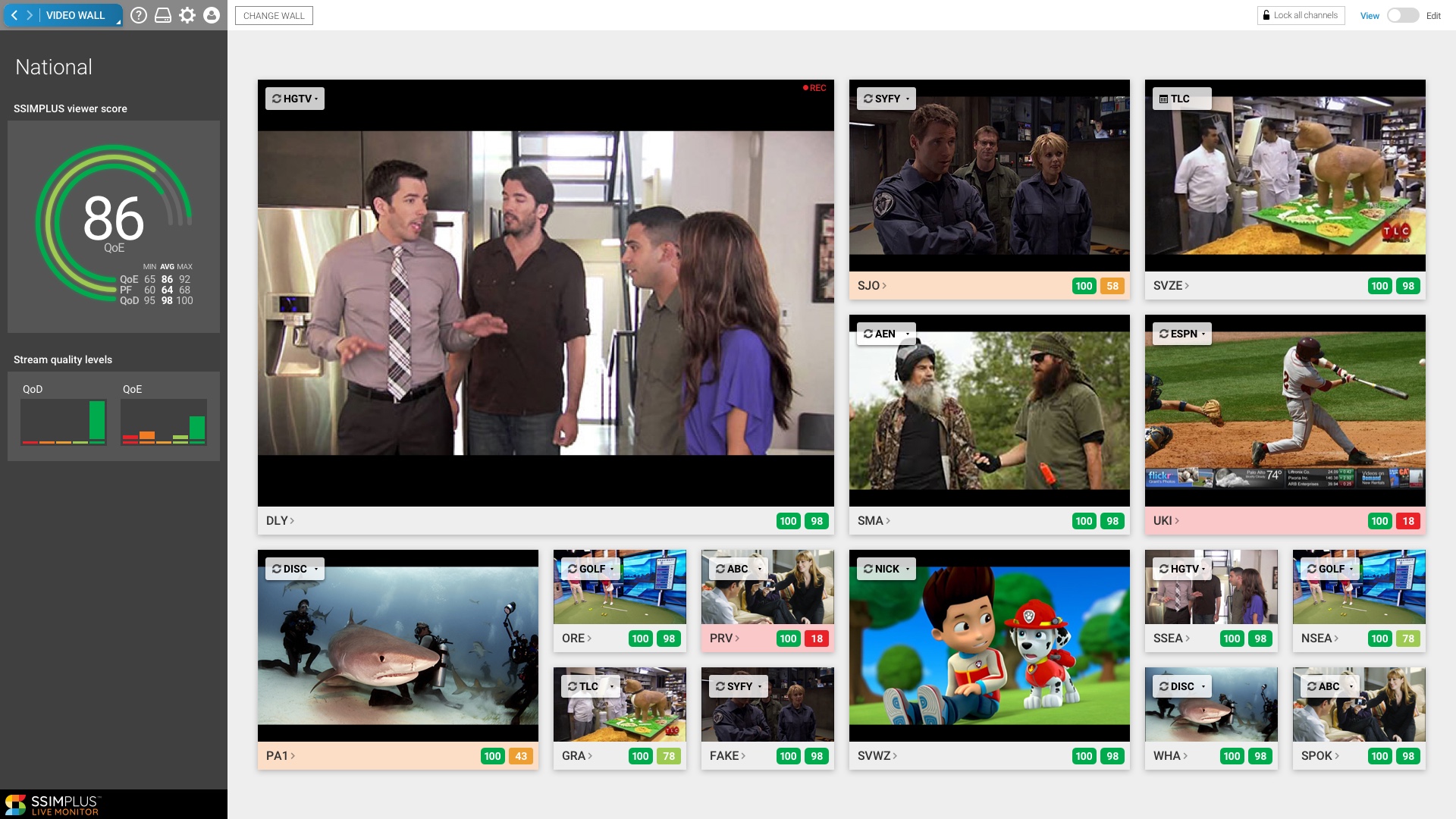
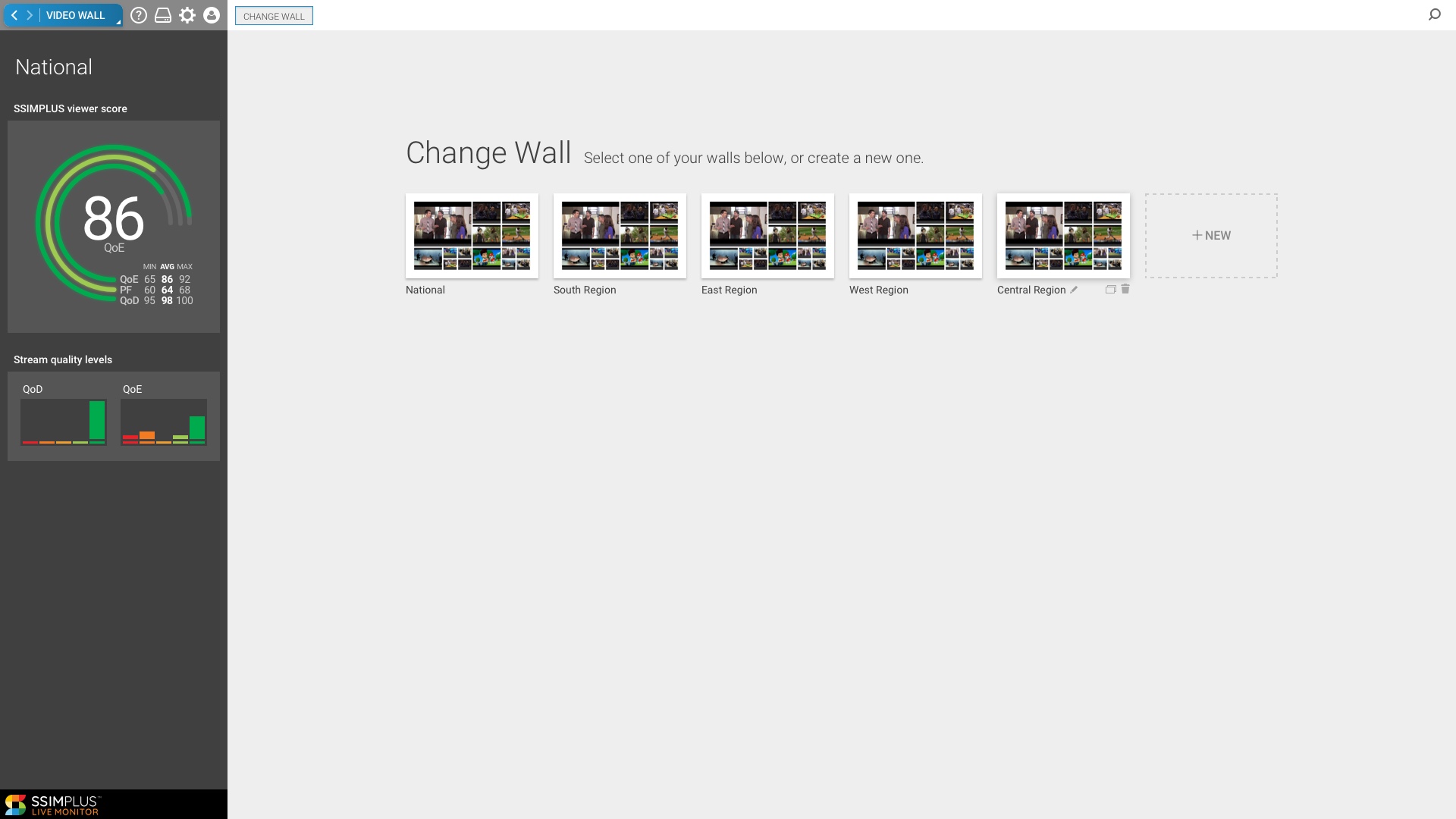
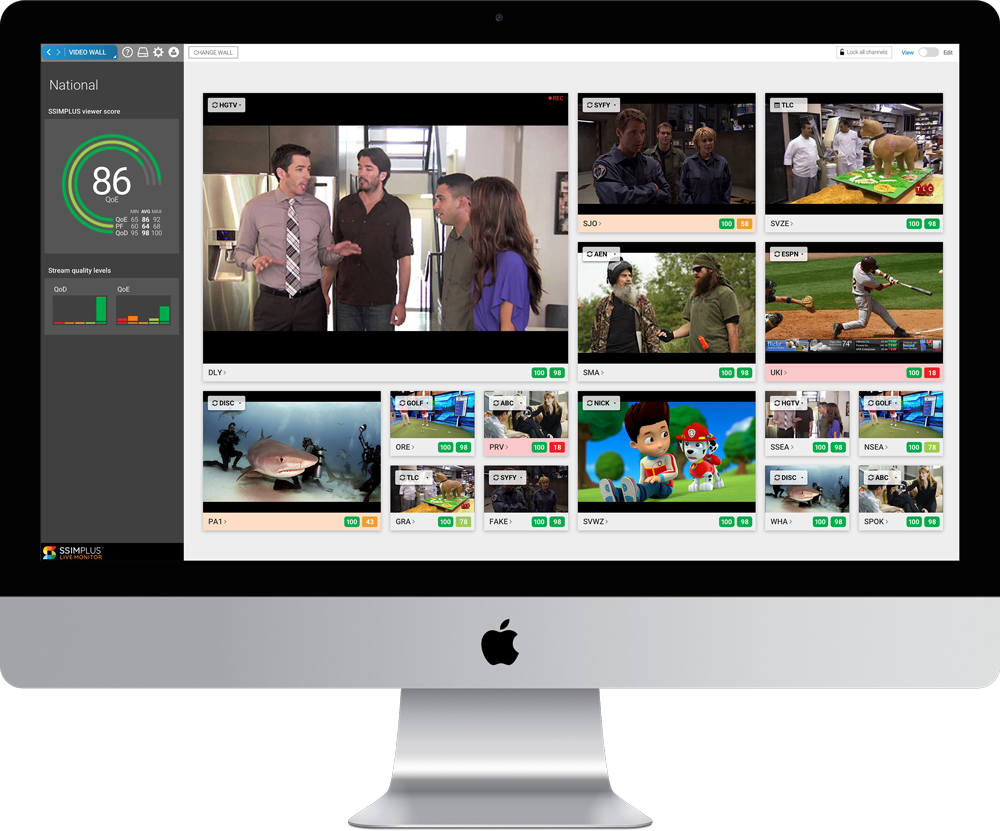
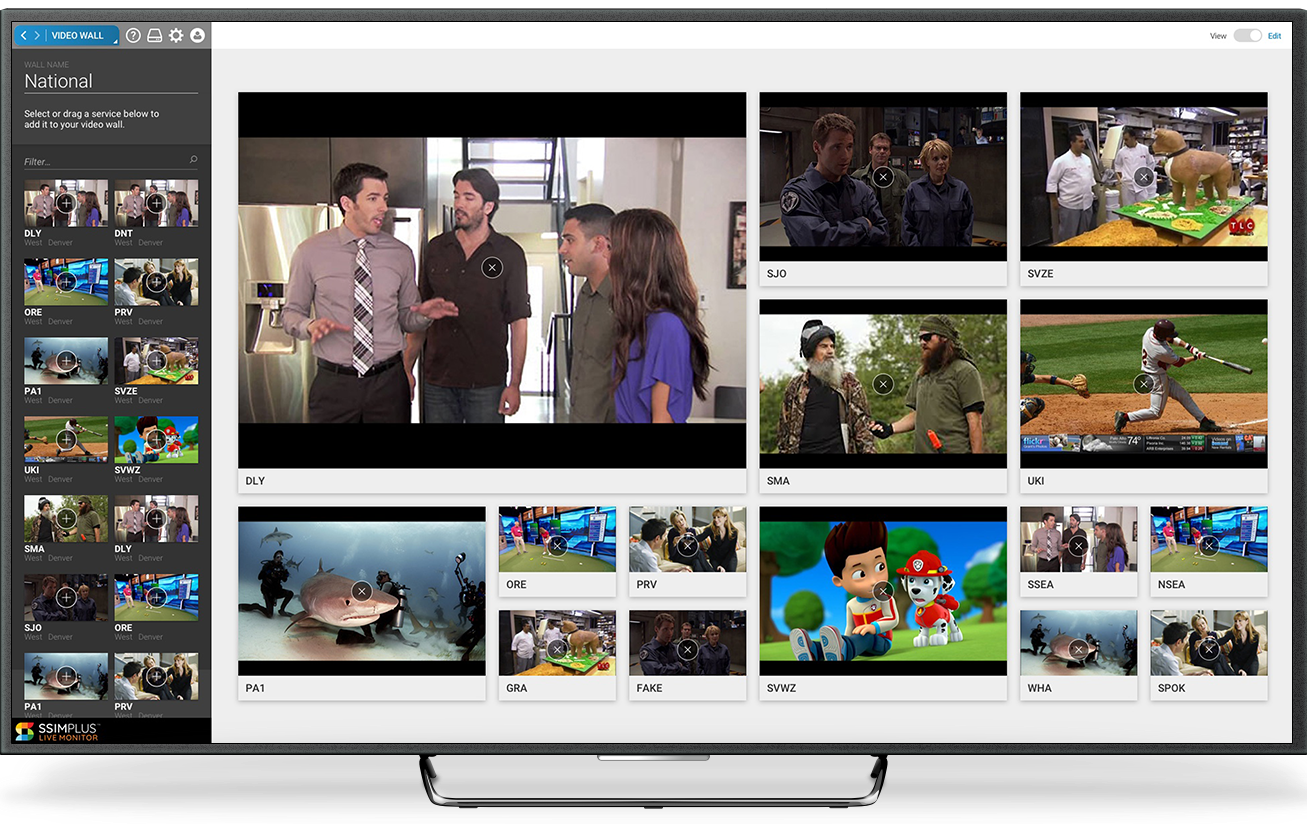
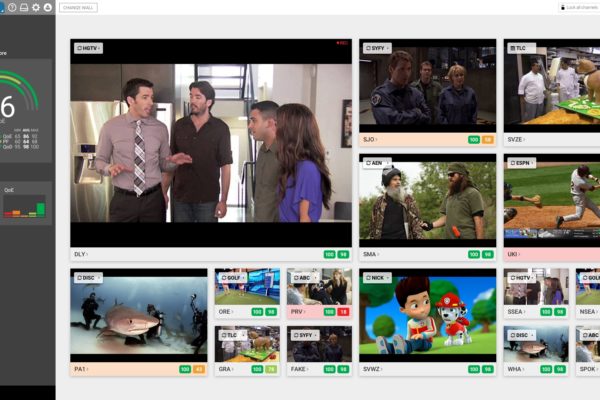
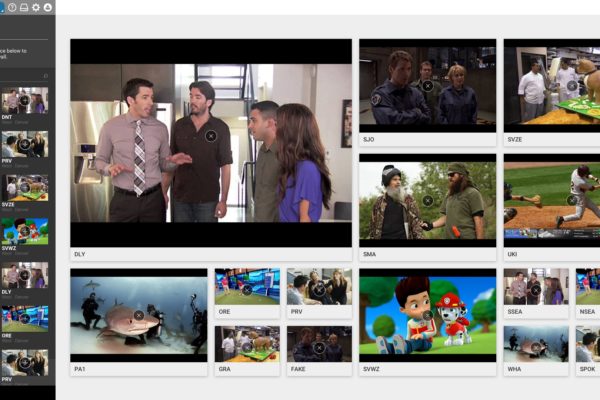
Here is a case study of one of the features I worked on for live monitor from planning to implementation in the product. The feature is called video wall, and is a space for users to build custom video dashboards of channels they want to keep an eye on. I walked through my usual design process, and we reviewed with users and stakeholders at each stage of the process to gather feedback and iterate as needed.
Why
We talked with our customers and key stakeholders of the feature to fully understand the problem we needed to solve for our users. Live Monitor allows you to review all channels in a particular geographical area, but our users needed a way to in essence create a video playlist of channels that crossed those boundaries. This would allow them keep an eye on a custom grouping of channels during a particular event.
Explore
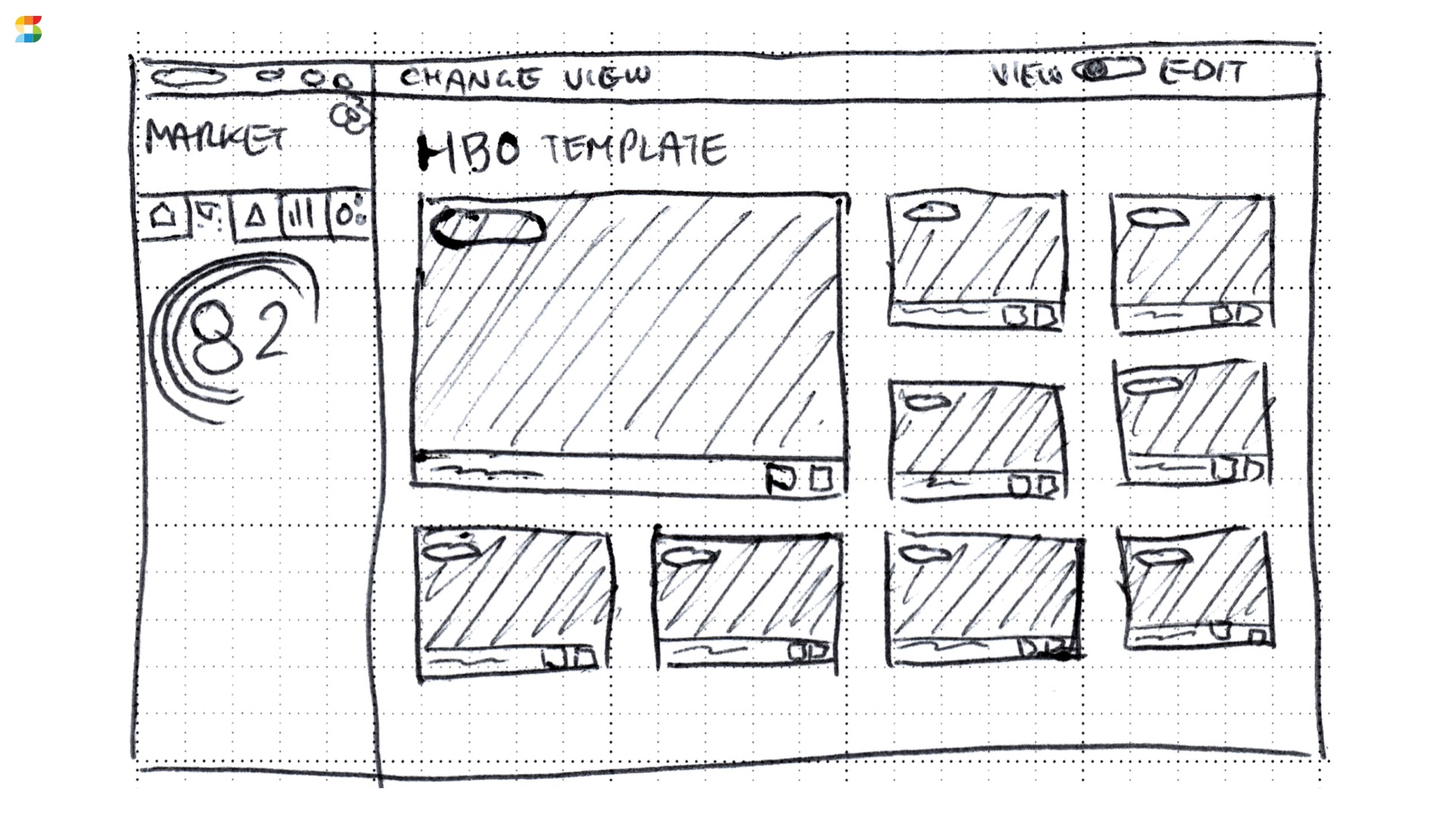
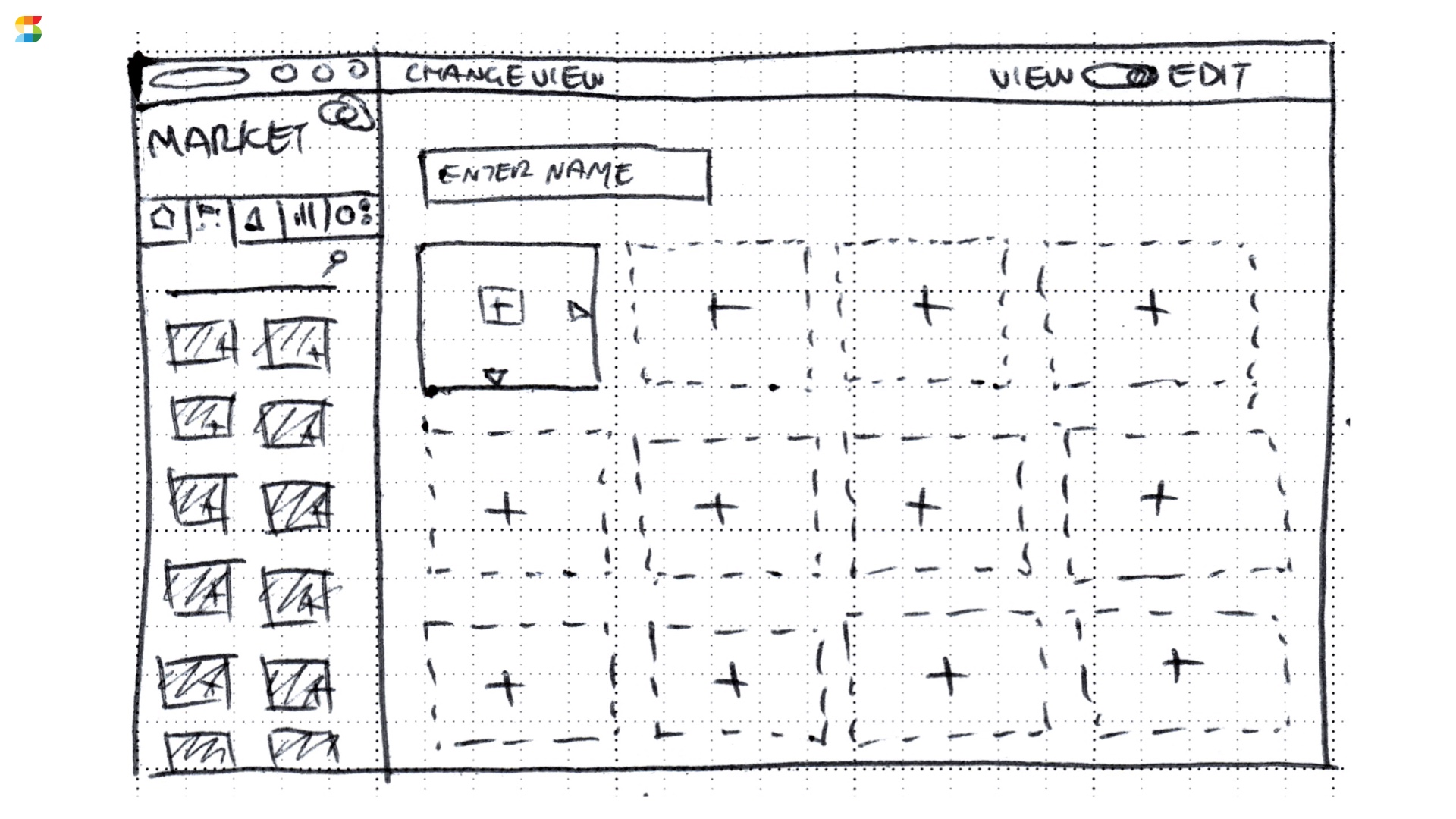
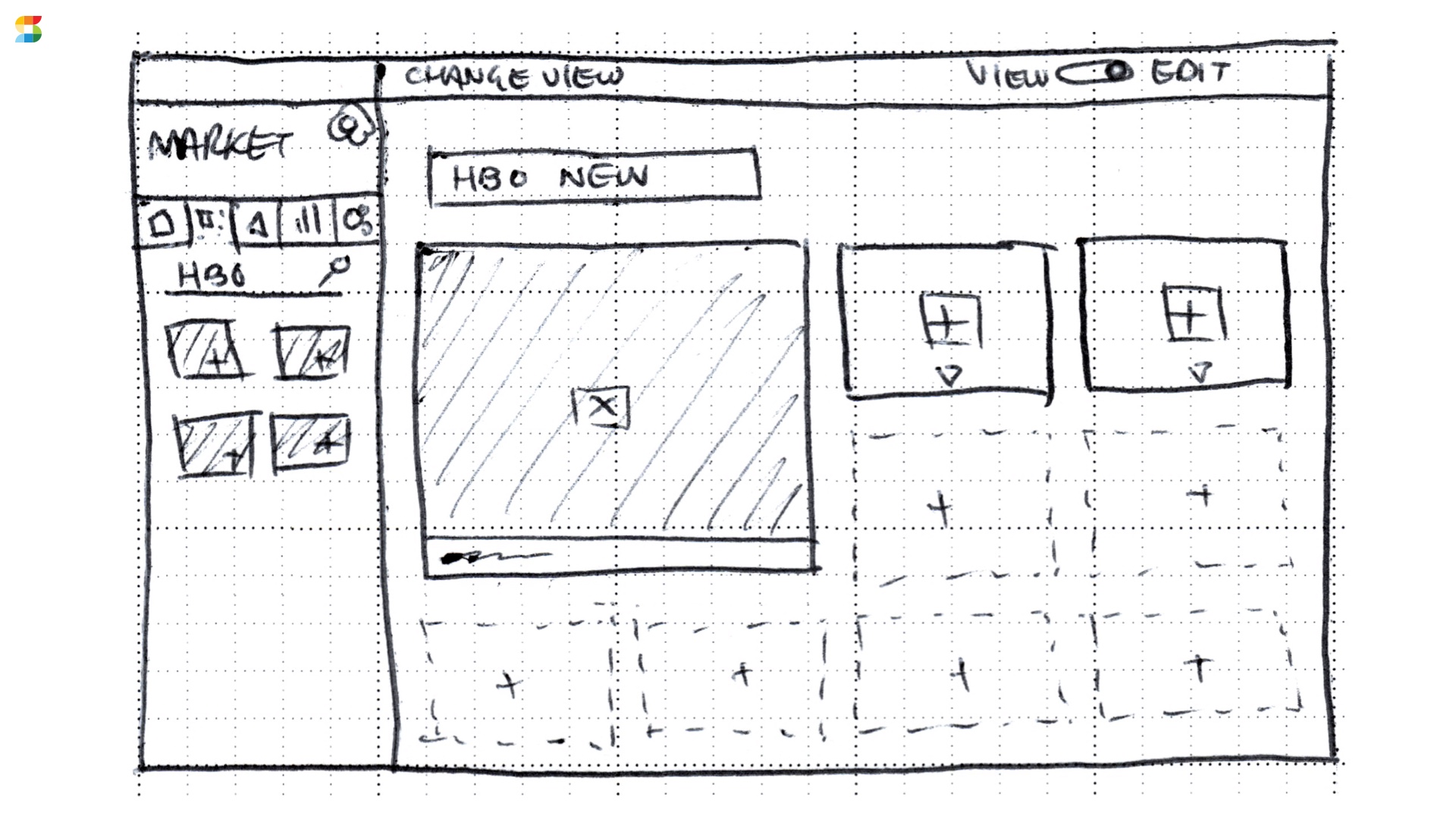
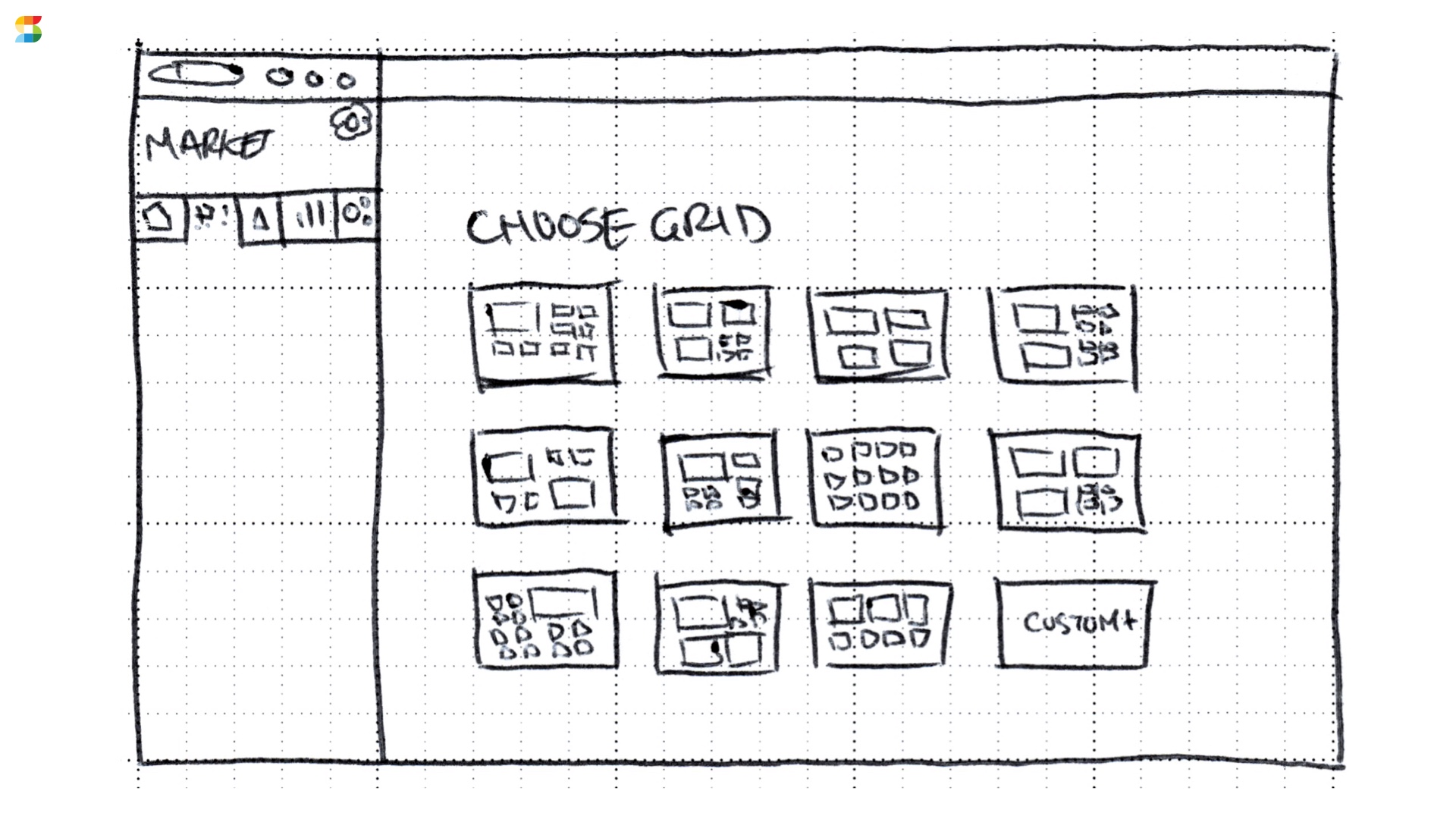
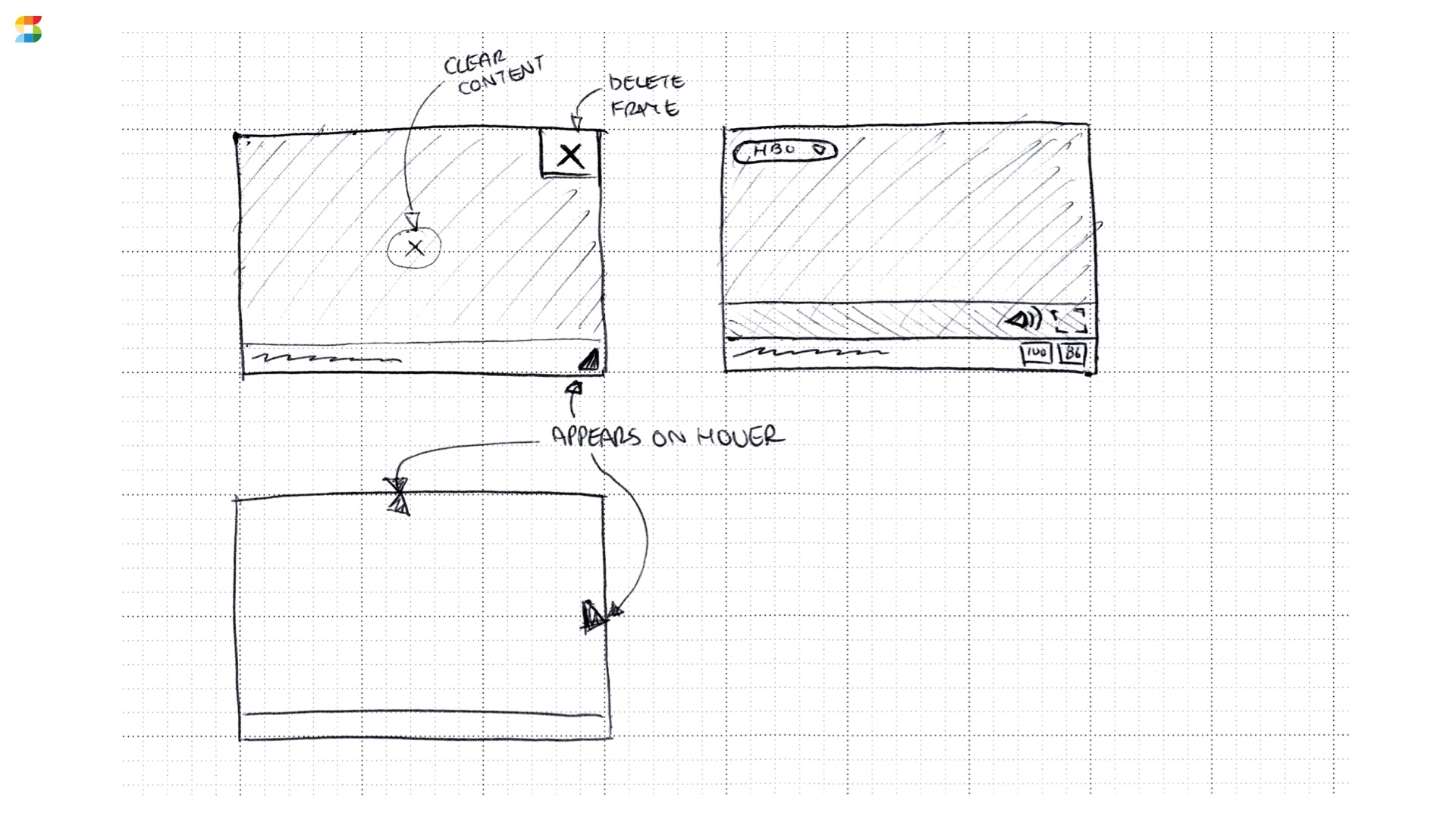
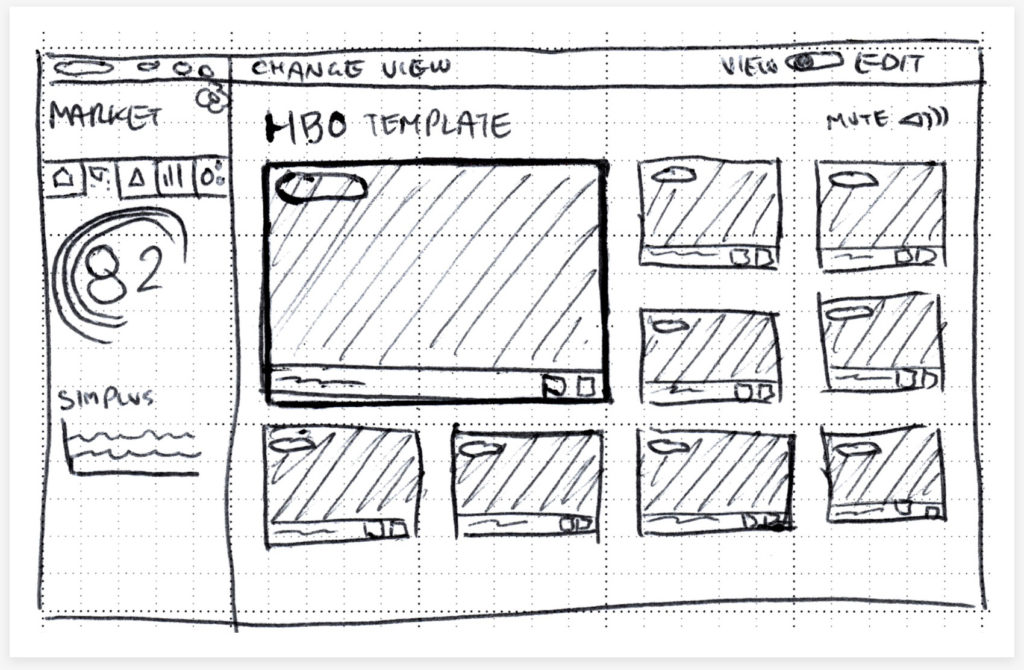
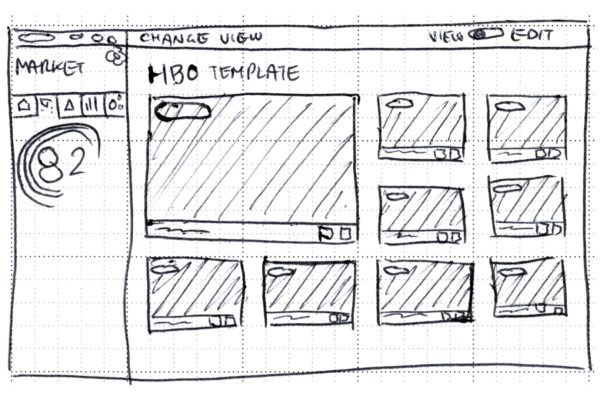
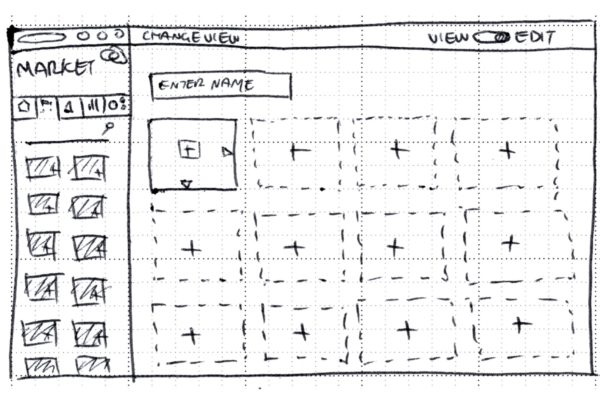
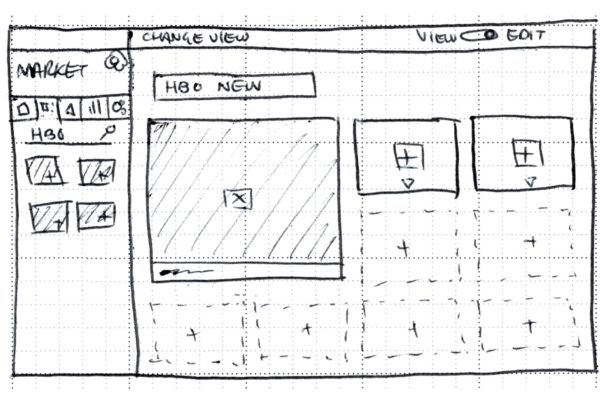
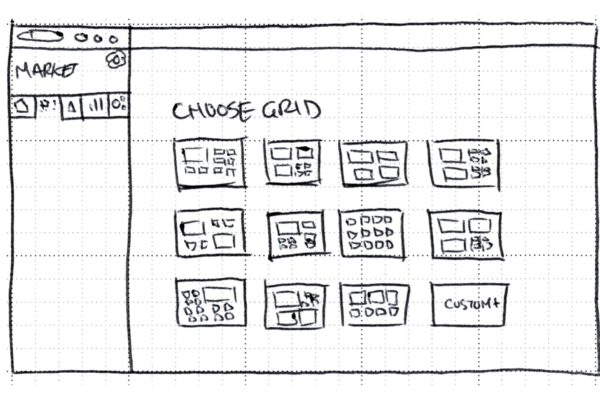
I quickly sketched out a few possible solutions, reviewed them with the team to see where we could improve and to make sure my proposal would be possible to execute. Then I turned the best candidate into a clickable prototype in InVision. We were able to review early with customers and gather some great feedback to make sure we were headed in the right direction.
Design
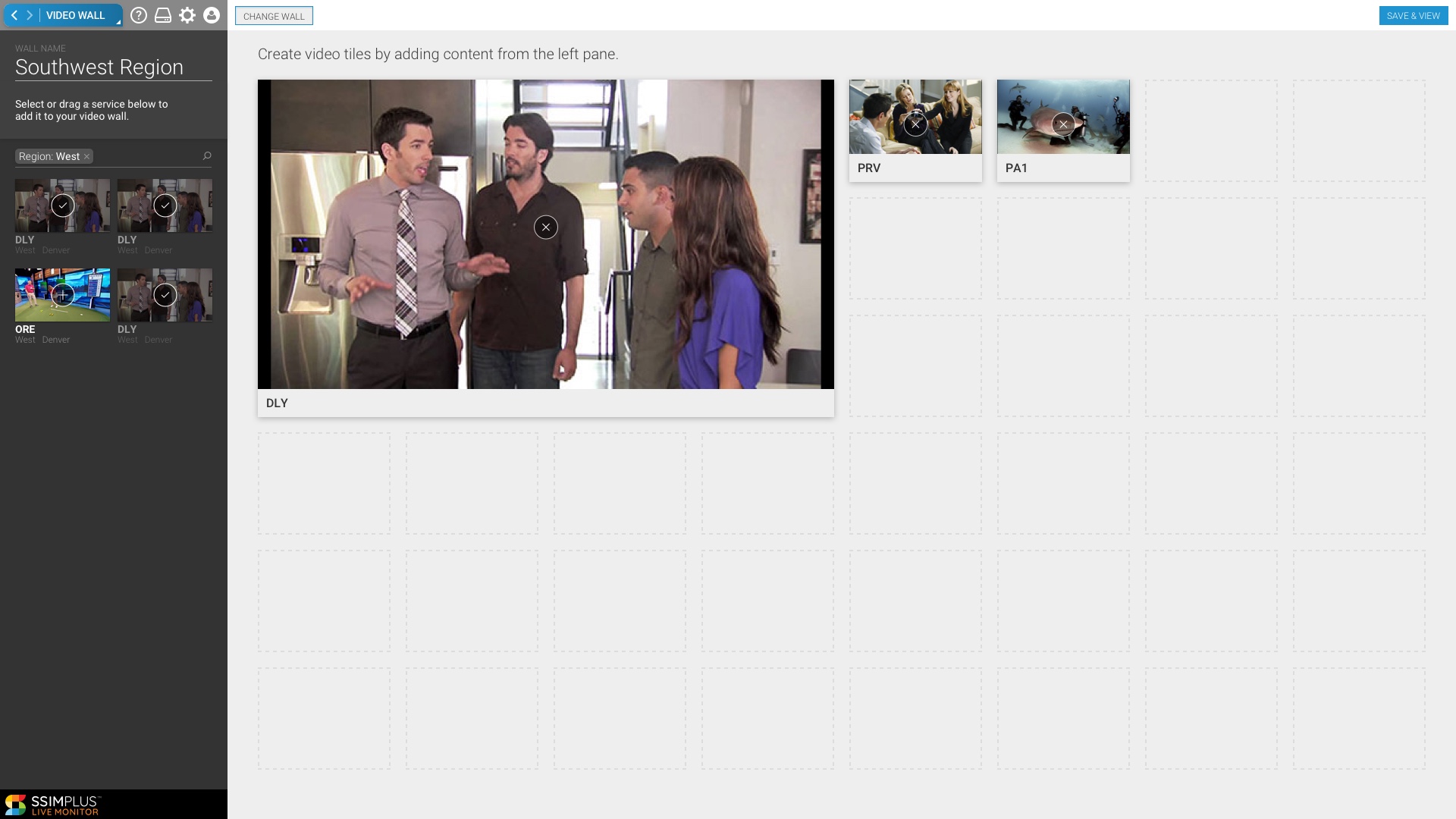
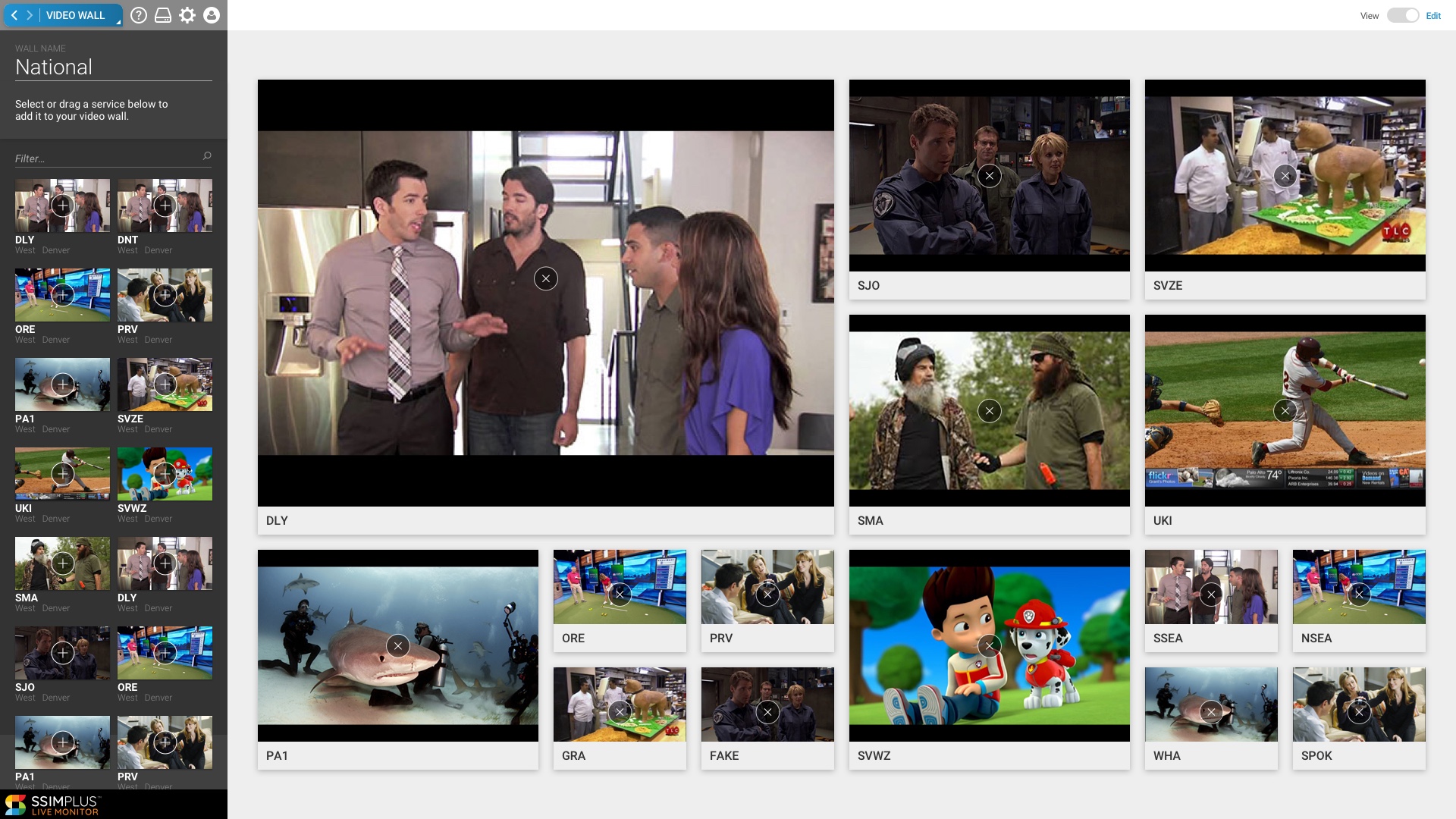
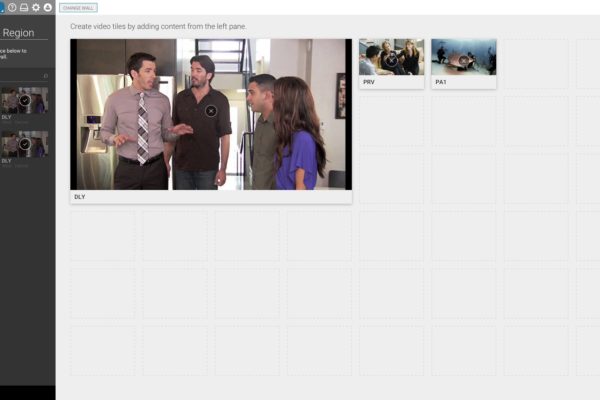
After reviewing the wireframe prototype with users, I moved to the next phase designing the UI and creating a fully fleshed out prototype with defined user interactions. This was the user last check-in before beginning development of the project.
Document
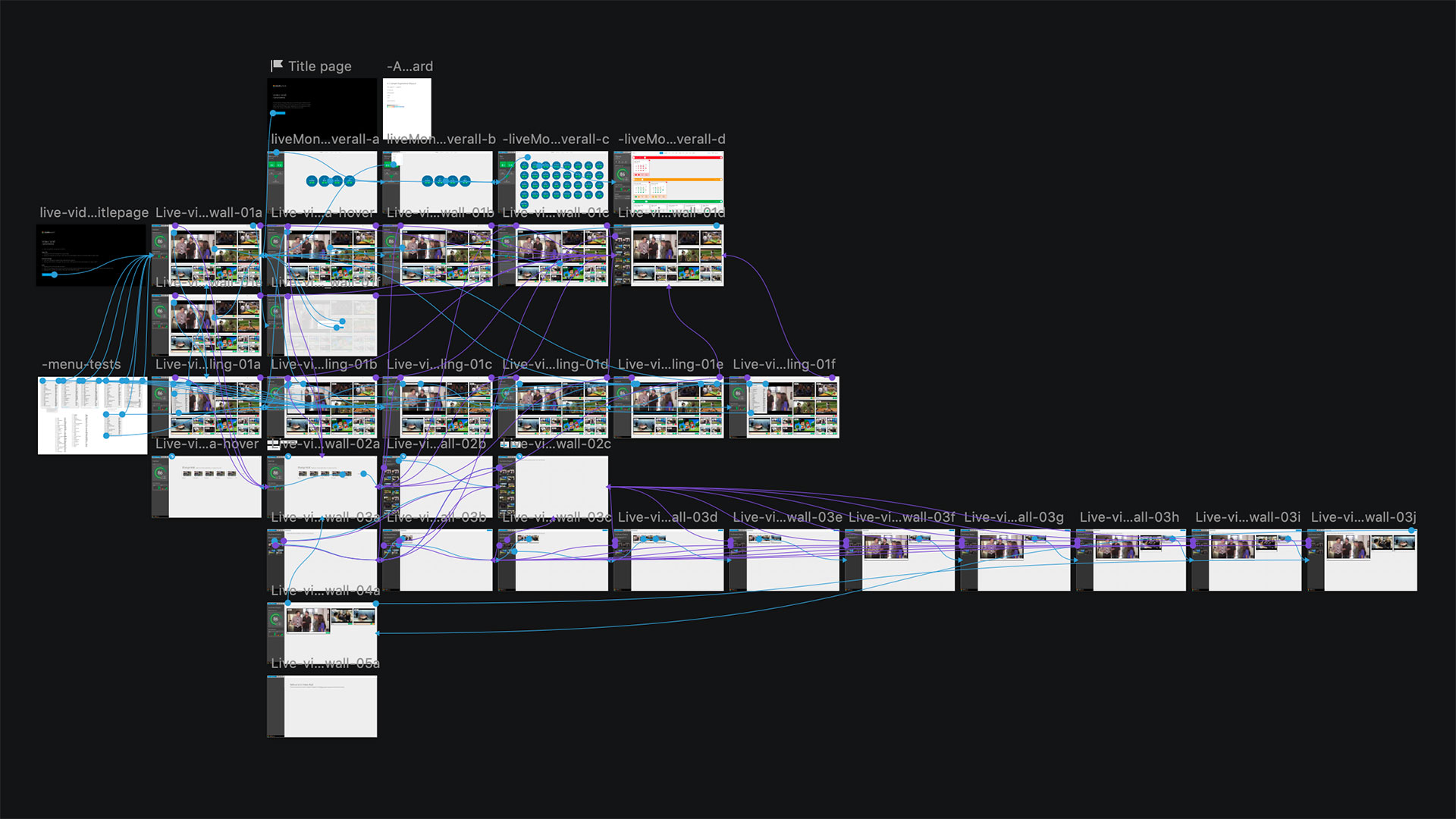
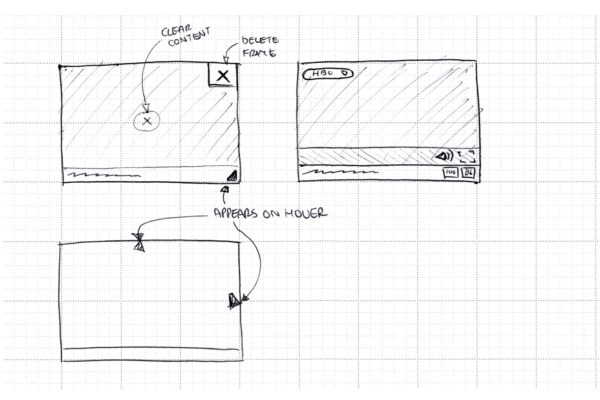
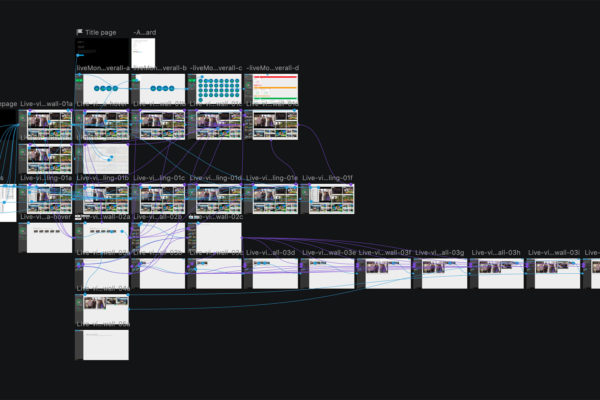
All interactions had to be carefully documented and communicated to the engineering team before beginning development.
Build
I had regular check-ins with the devs and worked together to make minor adjustments to the strategy as we began building within the constraints of the system.
Validate
Once released, we continued to check in with users to make sure the UX decisions we had made held true in regular use. And sometimes we have to make adjustments.
Outcome
The final feature was a great success story of a carefully planned feature that followed the process and maintained the original design vision and meeting the needs of the customer. We had a video performance hiccup along the way, but were able to work through it.
- Customizable video walls
- Resizable video tiles
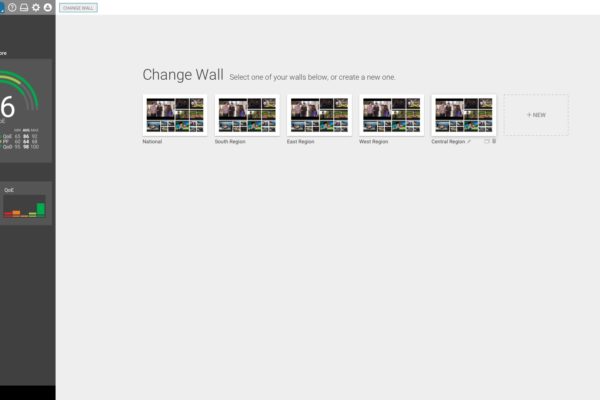
- Video wall management (add/remove/save/edit)
- Quickview and fullscreen
- Audio controls
Continuously improve
Over just a short time our team has tackled features small and large. Working with an existing UI, we’ve managed to simplify and make incremental improvements to the interface, add new features, and solve lots of bugs. We’ve worked with users to simplify their workflow and deliver the information they need most.